

Podcast player
Voci
Your podcasts, without ads or an account.
 Get it with the HumbleTap appOne app for all of ours: it installs this one and keeps it up to date by itself.
About Voci
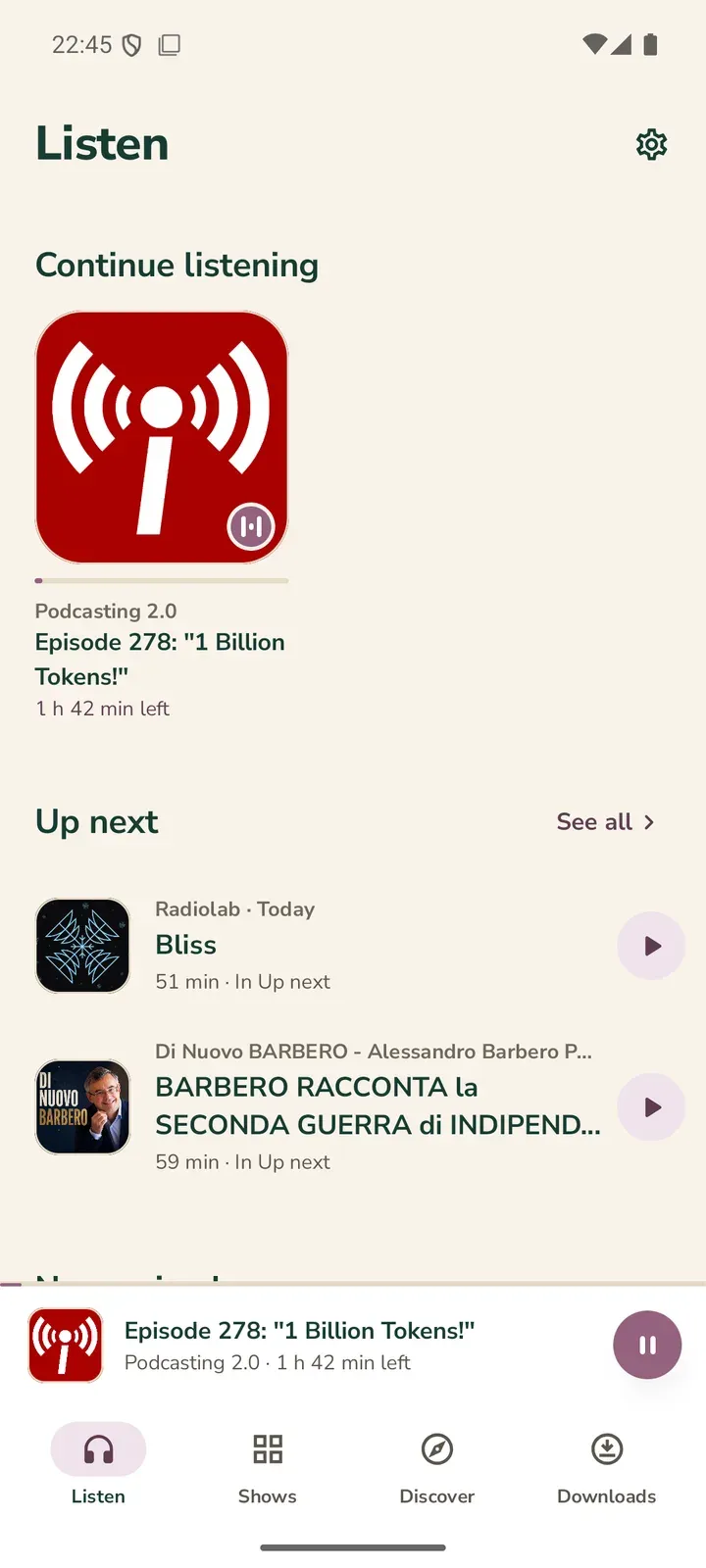
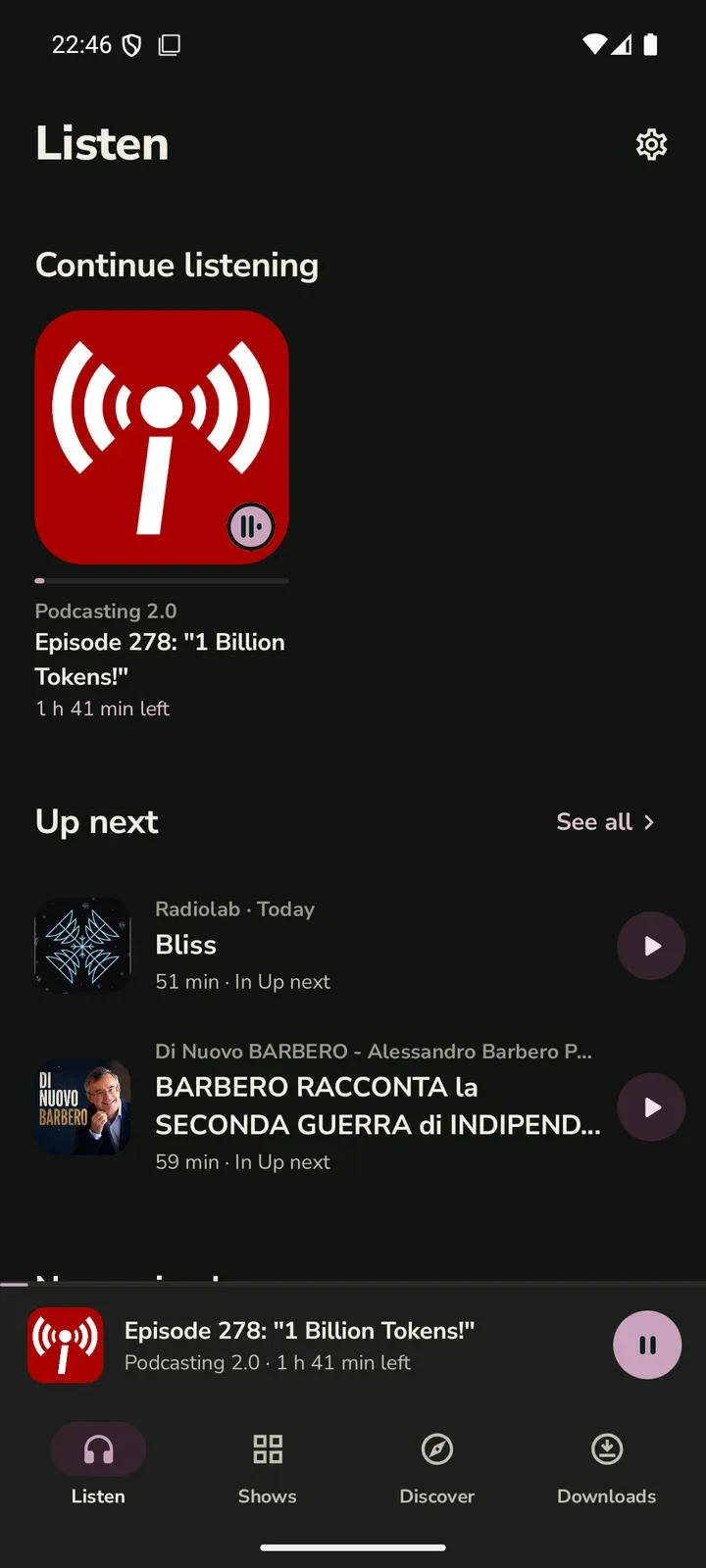
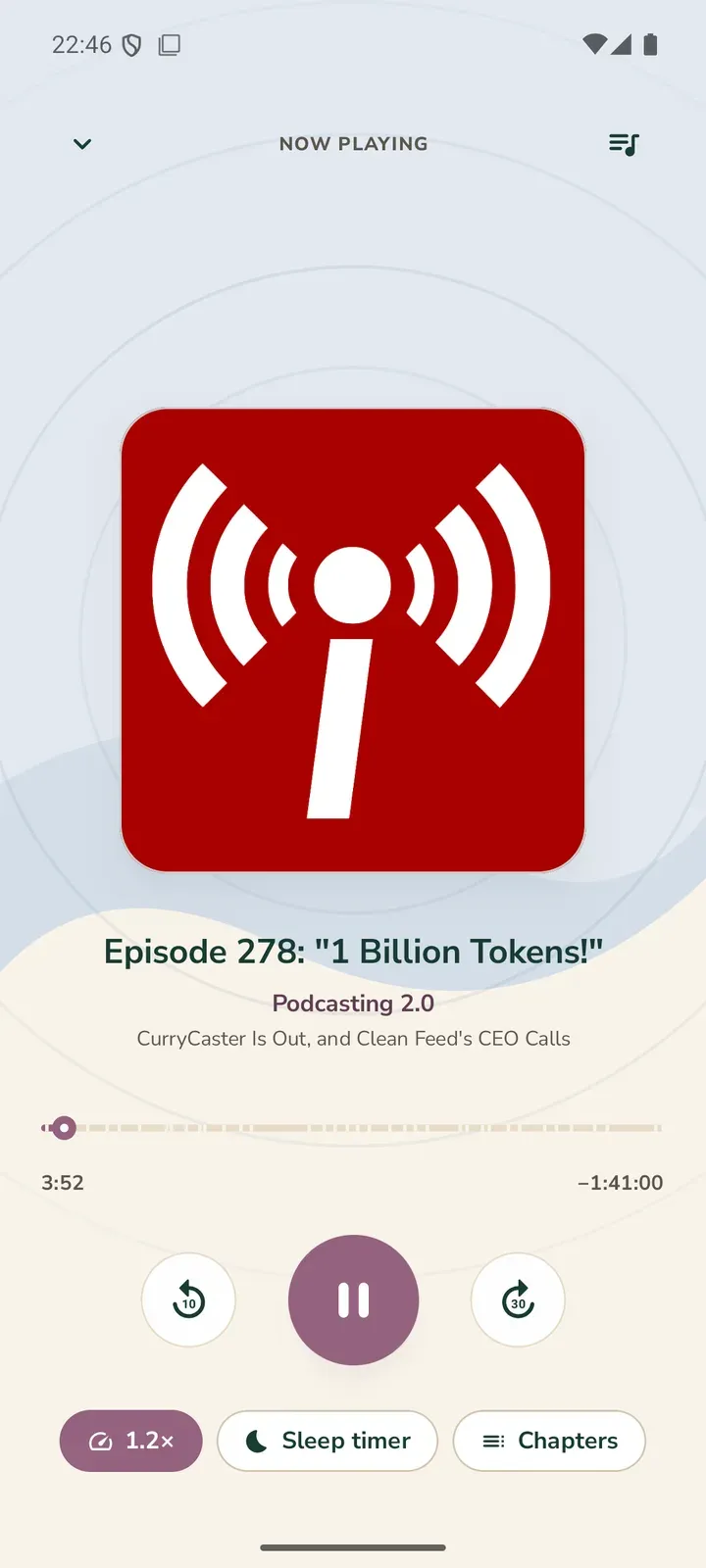
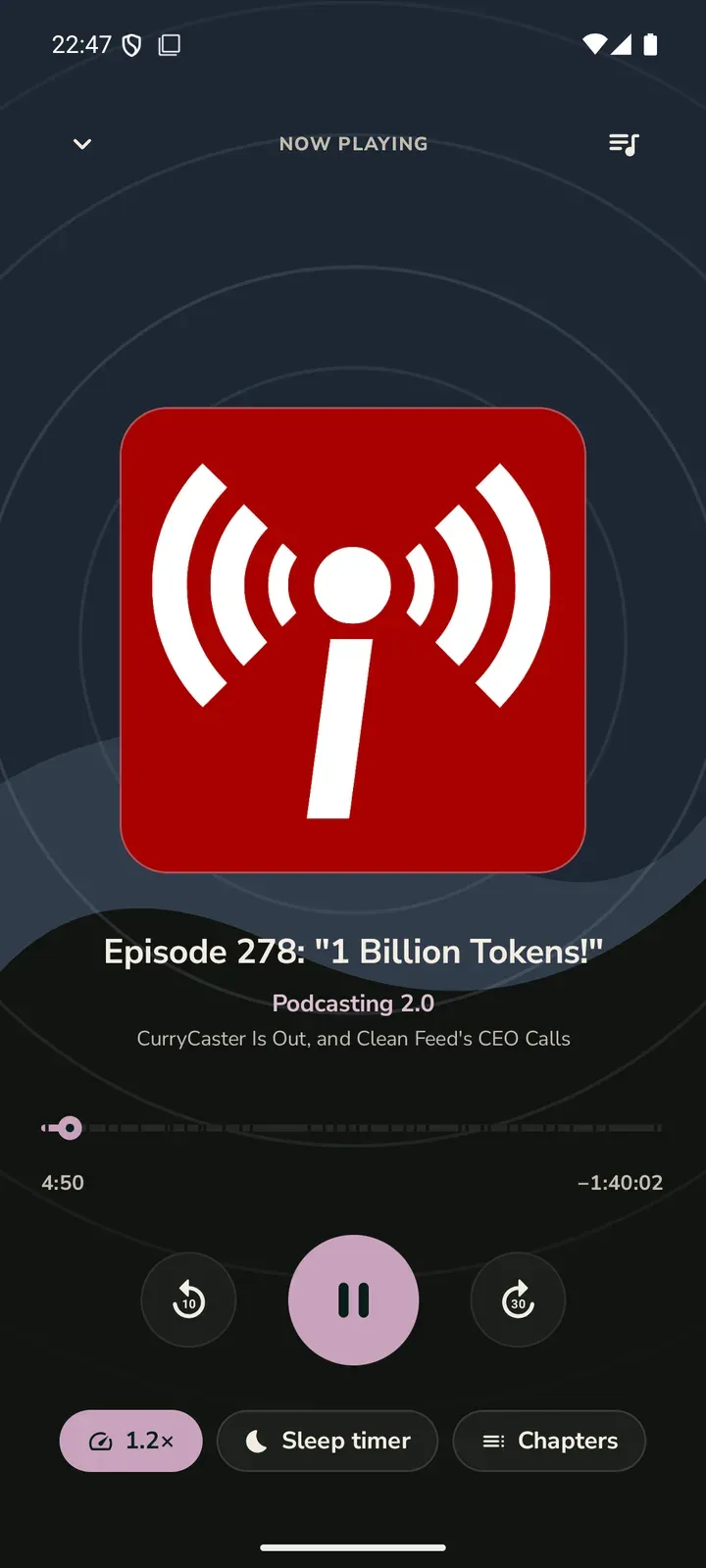
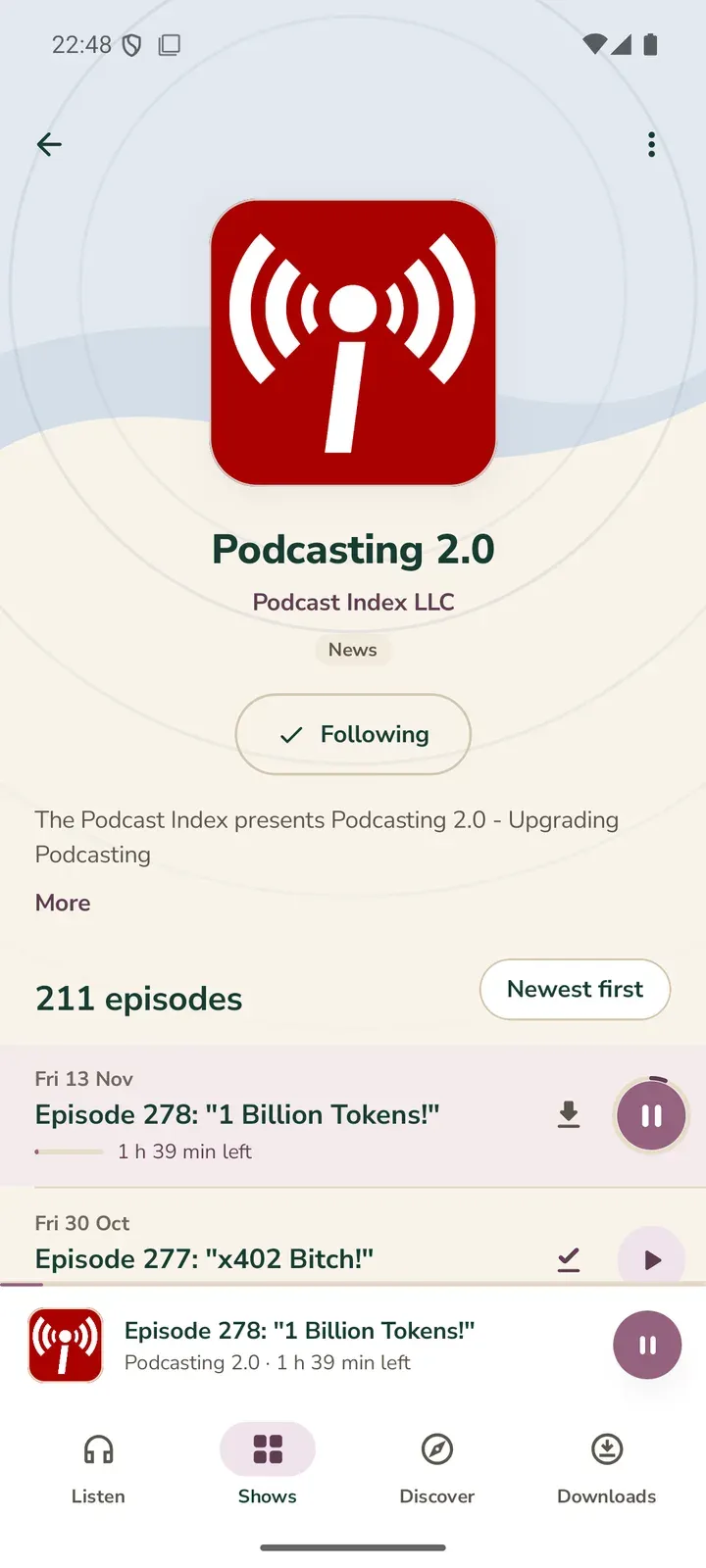
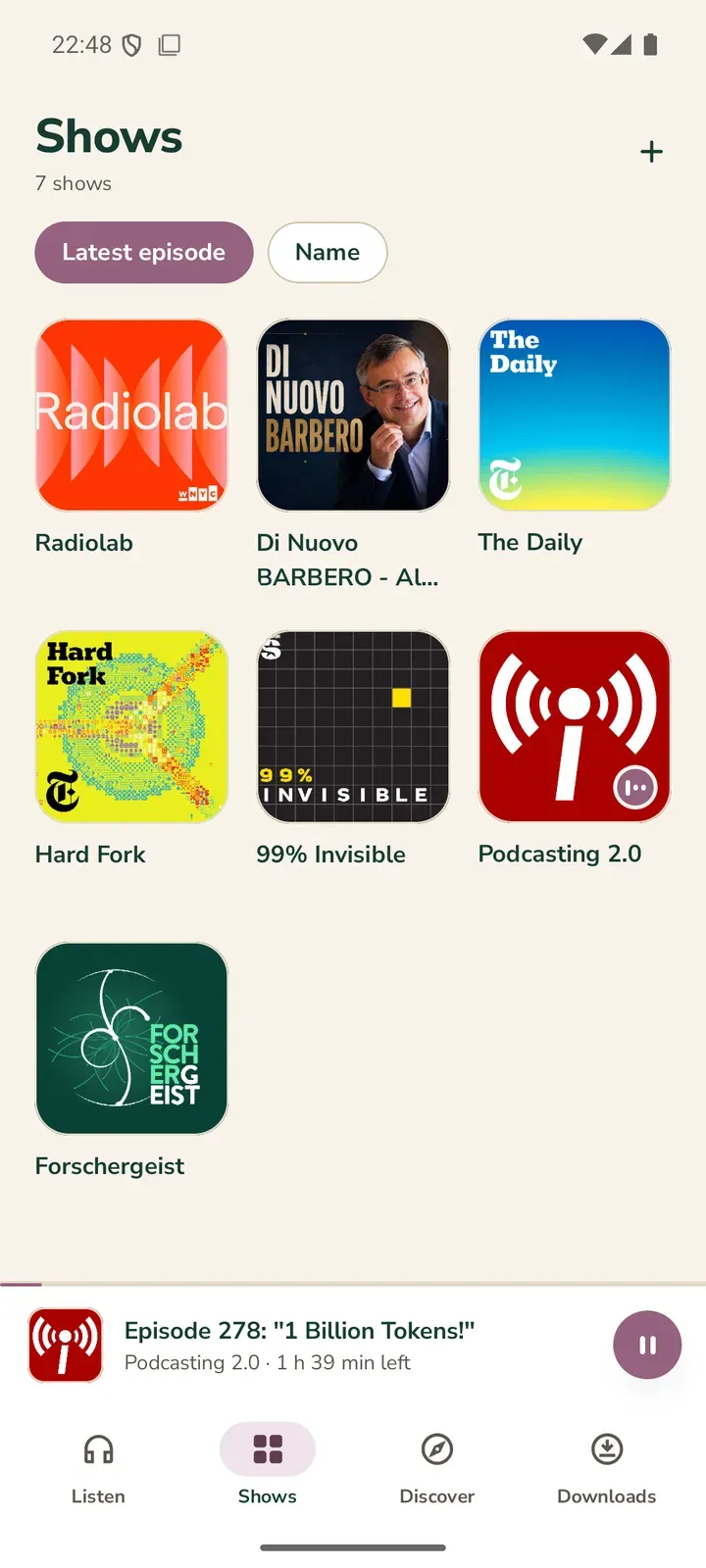
Voci is a podcast player that does one job: it plays the shows you follow, picks up where you stopped and keeps new episodes ready. No ads, no account, no tracking.
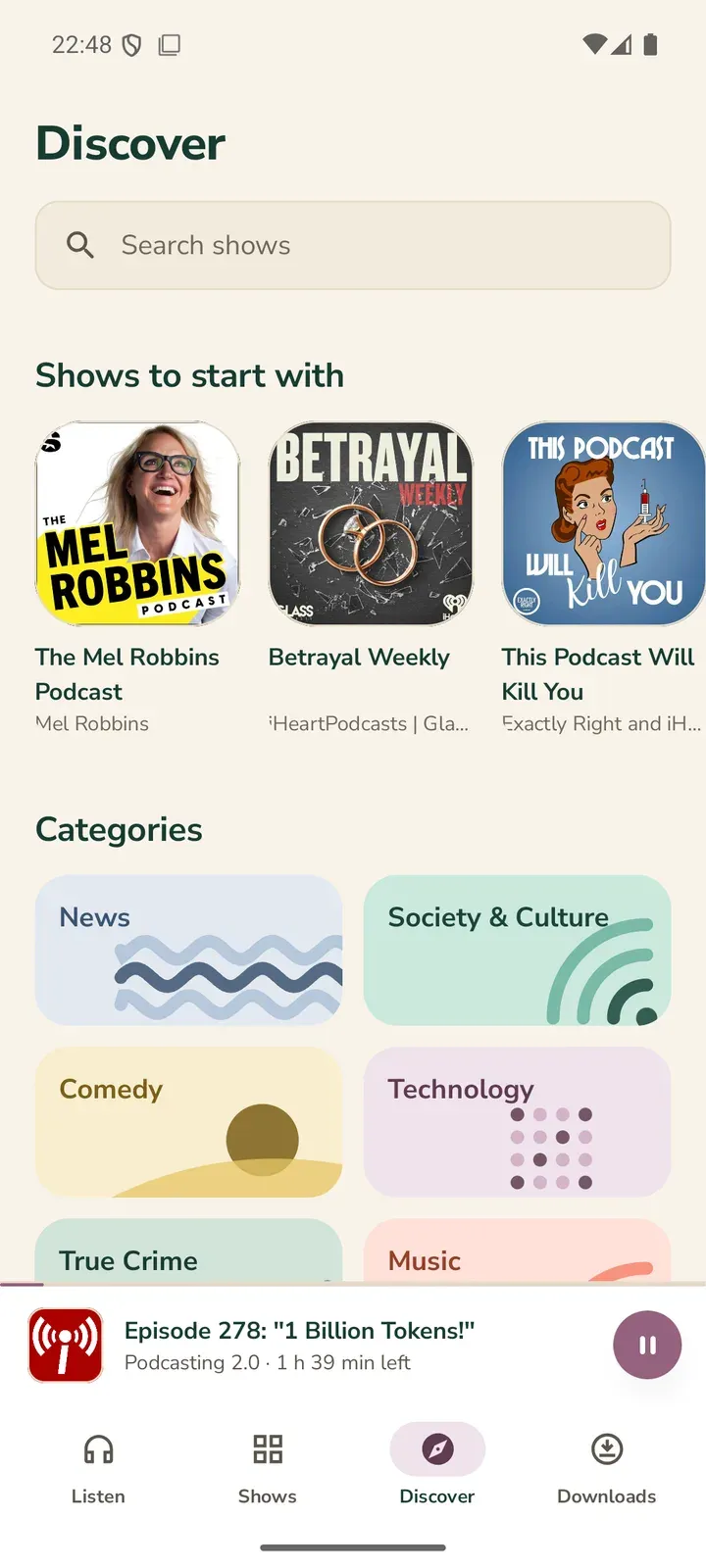
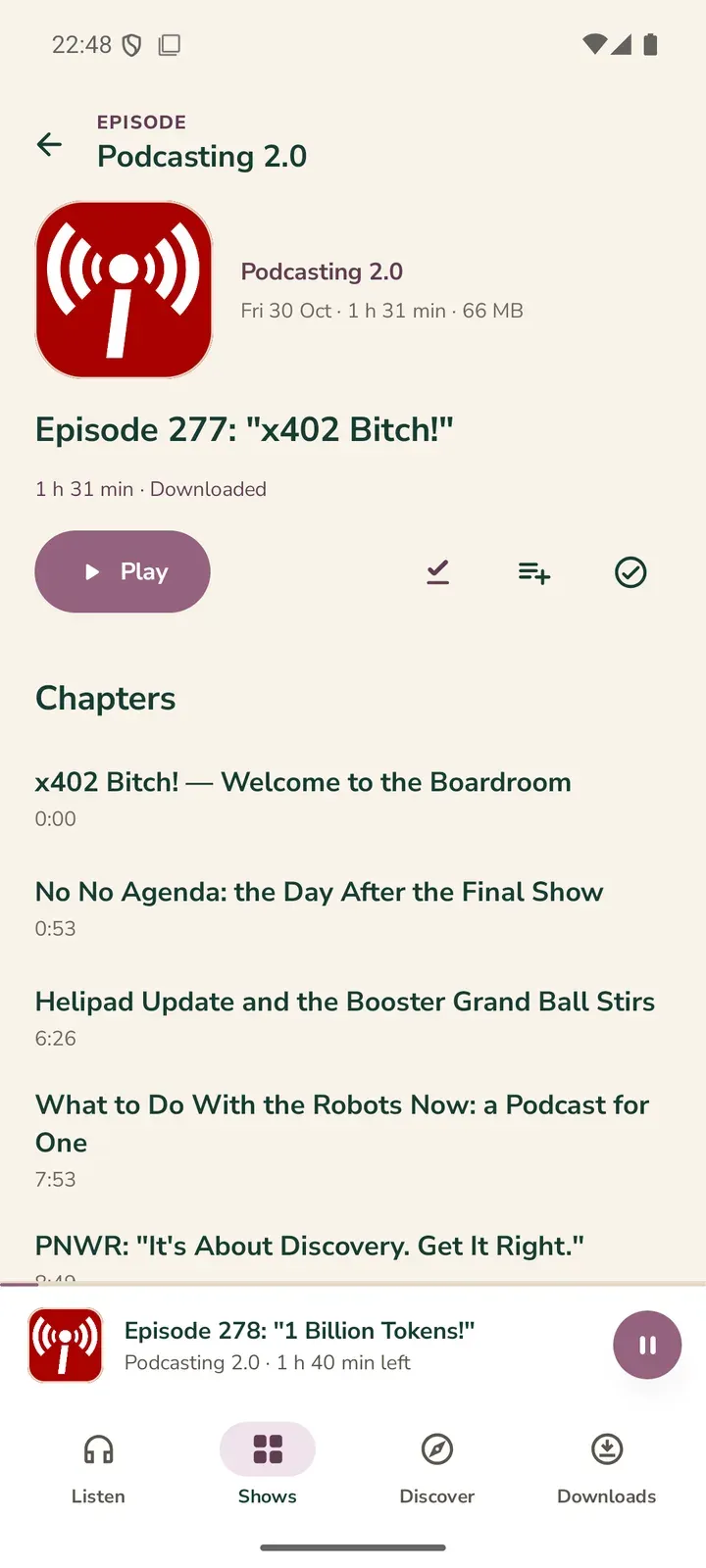
Find a show by name or category, paste a feed address, or bring your subscriptions from another app with an OPML file. Listen streamed or downloaded, at the speed you like, with chapters, a sleep timer and an Up next list you can reorder.
Everything you follow and everything you have listened to stays on your phone. Episodes come straight from each show's own feed.
What it does
What it does
Find your shows
- Search by name or host, or browse 19 categories
- Add any show with its feed address, even if it isn't in the directory
- Bring your subscriptions from another app with an OPML file, and take them with you the same way
- Podcast links open straight in Voci
Listen your way
- Resumes every episode where you left it
- Speed from 0.5× to 3×, for all shows or just one
- Back 10 seconds, forward 30, chapters when the show provides them
- Sleep timer, down to the end of the episode
- An Up next list that plays on its own, in the order you choose
Ready when you are
- New episodes from the shows you follow, grouped by day
- Downloads that resume after a dropped connection
- Automatic download of the newest episode, per show, if you want it
- Played downloads cleaned up for you, if you want that too
- Controls in the notification, on the lock screen and from your headphones
Simple and respectful
- No ads, no account, no tracking
- Your shows and your progress stay on your phone
Screenshots
Install on your phone
Our apps are free and distributed only from this site, as signed APKs: you install them directly from here.
- Download the APK on your Android phone with the button on this page.
- Open the file from the download notification or from the Files app.
- If Android asks, allow your browser to install apps (Settings › Install unknown apps), then go back.
- Tap Install. To update, download the new version and install it over the old one. Your favorites and settings stay.
Every version of an app is signed with the same key, so updates install over the previous one. Android may show a generic warning for apps installed outside an app store.
Get it with the HumbleTap appYou can also install it with the HumbleTap app, which then keeps it up to date for you.Also by HumbleTap
HumbleTap
Every HumbleTap app in one place, always up to date.
Airwave
The world's radio, live and ad-free.
Edicola
The news from many sources, one story at a time.
Sereno
The weather, calmly. No ads, nothing to track.
Litro
Fuel prices near you, with the date on every price.
Entro
Every deadline, in good time.
Tessera
Reads QR codes and barcodes, and shows you where they lead.
Plico
Scan paper into clean PDFs, on your phone only.