

App manager
HumbleTap
Every HumbleTap app in one place, always up to date.
About HumbleTap
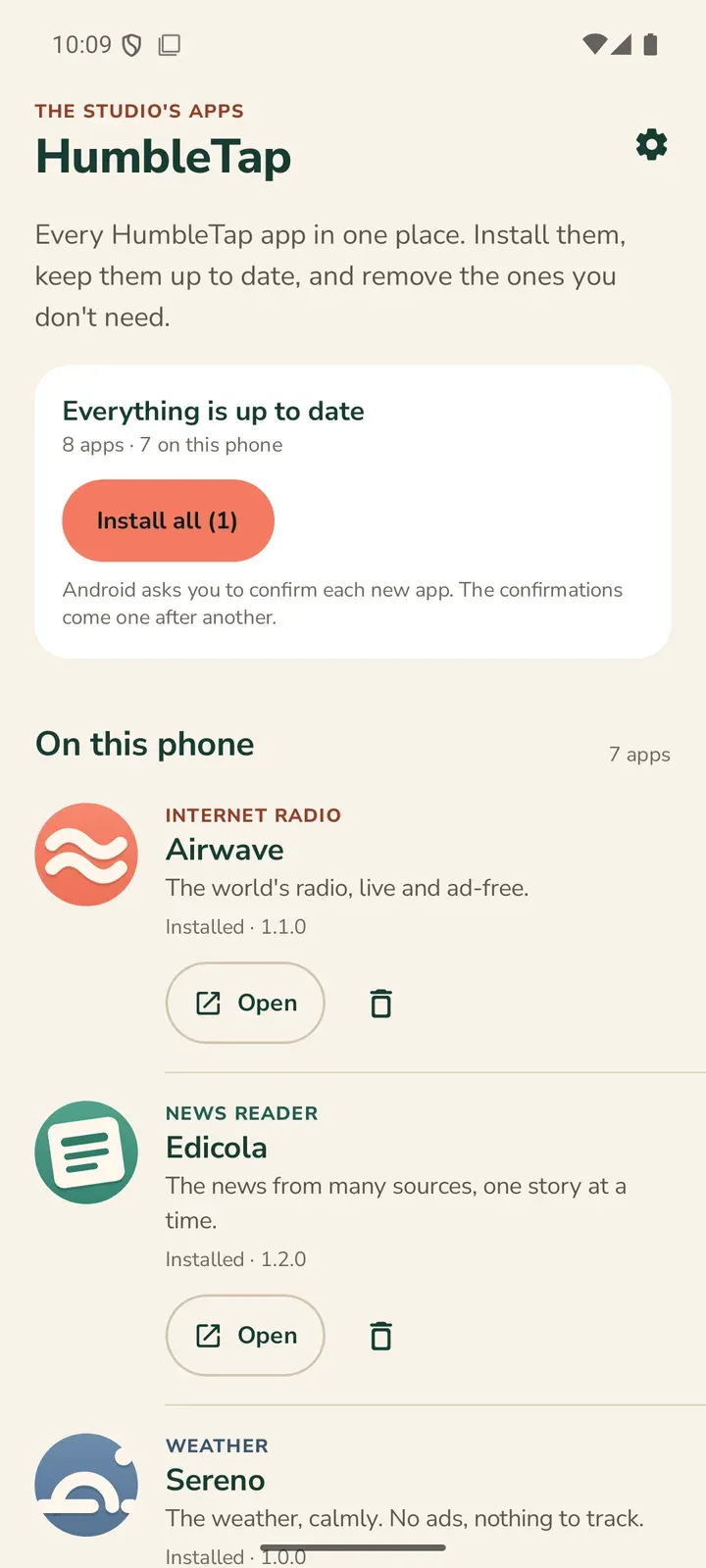
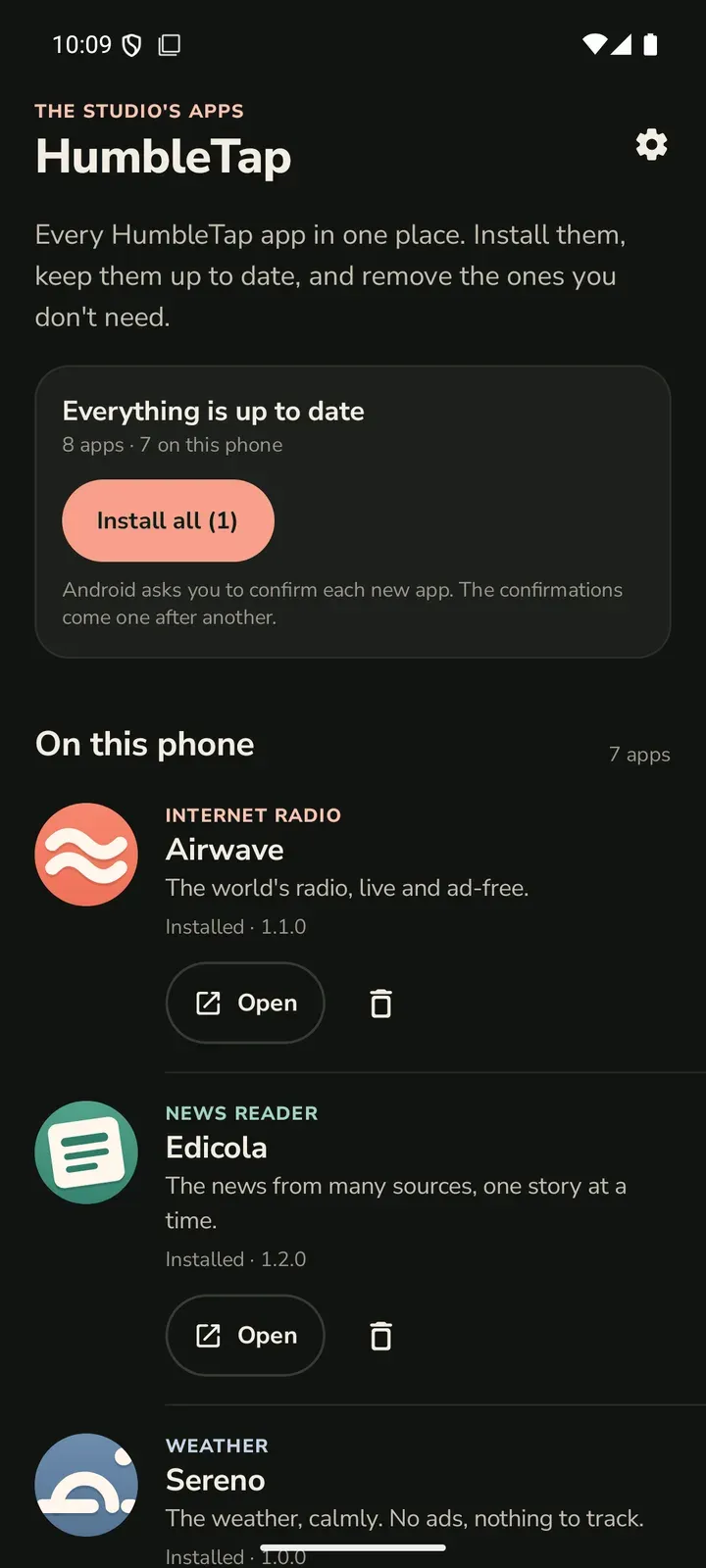
HumbleTap is the easiest way to get our apps and keep them current. It shows every app we publish, tells you which ones are on your phone and which have an update, and installs, updates or removes them with one tap. No more downloading each new version from the browser.
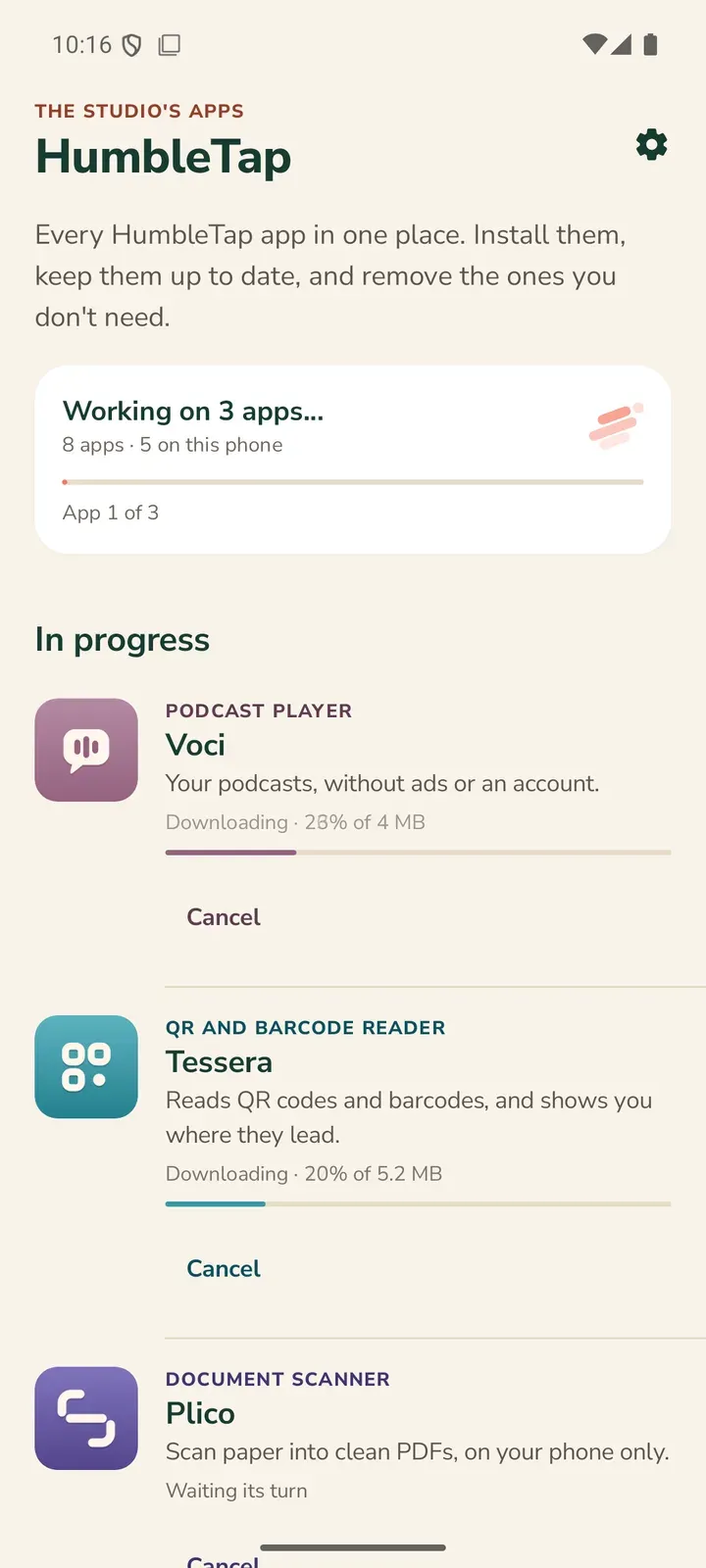
"Install all" brings the apps you don't have yet in one go: Android asks you to confirm each new app, and the confirmations come one after another. "Update all" does the same for updates. Apps installed by HumbleTap then update on their own, quietly, on Wi-Fi.
Before anything is installed, HumbleTap checks that the file is exactly the one published on this site and that it is signed with that app's own key, which is built into HumbleTap. It talks only to humbletap.com, and has no ads, no account and no tracking.
What it does
What it does
One list, every app
- Every HumbleTap app with its icon, its colour and a line on what it does
- Installed, not installed or update available, at a glance
- Install, open, update and uninstall from the same row
- "Install all" and "Update all" at the top, with the confirmations one after another
Updates that look after themselves
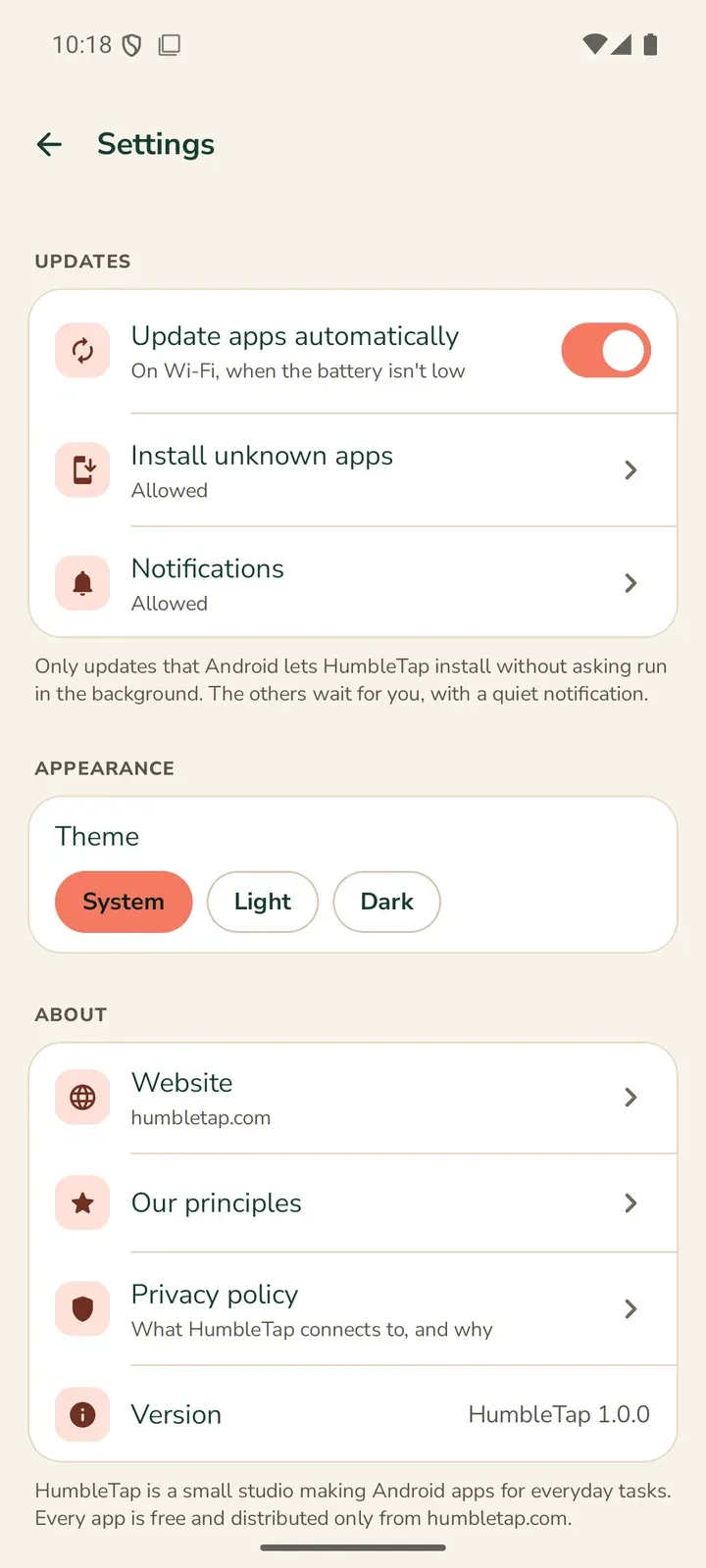
- Apps installed by HumbleTap update on their own on Wi-Fi, when the battery isn't low (Android 12 or later)
- Never while you're using the app being updated
- One short notification says what was updated; you can turn it all off
- HumbleTap updates itself too, always last
Checked before it's installed
- Each download must match the size and SHA-256 checksum published on this site
- Each app must be signed with its own key, which is built into HumbleTap; a different signature is refused
- Connects only to humbletap.com, over HTTPS
- Interrupted downloads resume; files are deleted once installed
Screenshots
Install on your phone
Our apps are free and distributed only from this site, as signed APKs: you install them directly from here.
- Download the APK on your Android phone with the button on this page.
- Open the file from the download notification or from the Files app.
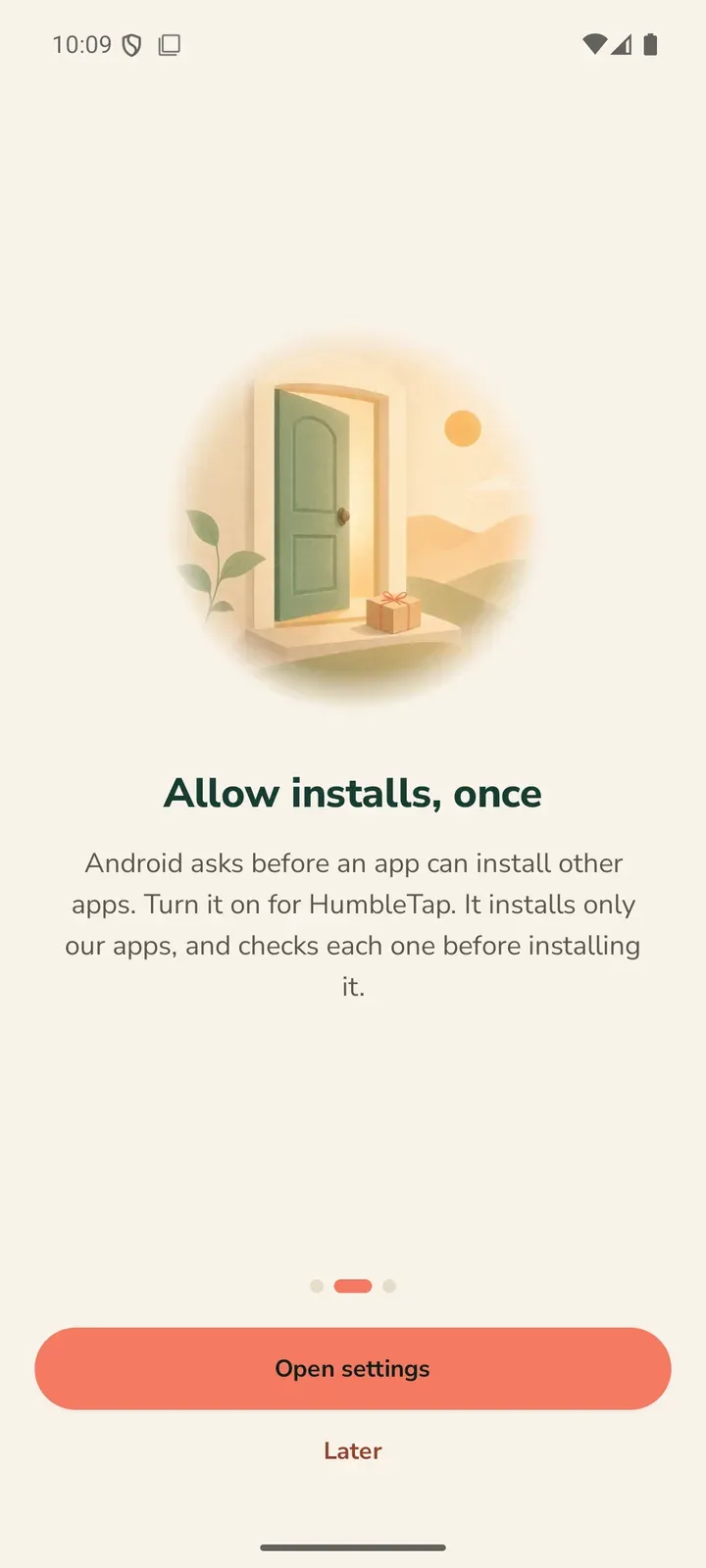
- If Android asks, allow your browser to install apps (Settings › Install unknown apps), then go back.
- Tap Install. To update, download the new version and install it over the old one. Your favorites and settings stay.
Every version of an app is signed with the same key, so updates install over the previous one. Android may show a generic warning for apps installed outside an app store.
Also by HumbleTap

Airwave
The world's radio, live and ad-free.
Edicola
The news from many sources, one story at a time.
Sereno
The weather, calmly. No ads, nothing to track.
Voci
Your podcasts, without ads or an account.
Litro
Fuel prices near you, with the date on every price.
Entro
Every deadline, in good time.
Tessera
Reads QR codes and barcodes, and shows you where they lead.
Plico
Scan paper into clean PDFs, on your phone only.