

Document scanner
Plico
Scan paper into clean PDFs, on your phone only.
 Get it with the HumbleTap appOne app for all of ours: it installs this one and keeps it up to date by itself.
About Plico
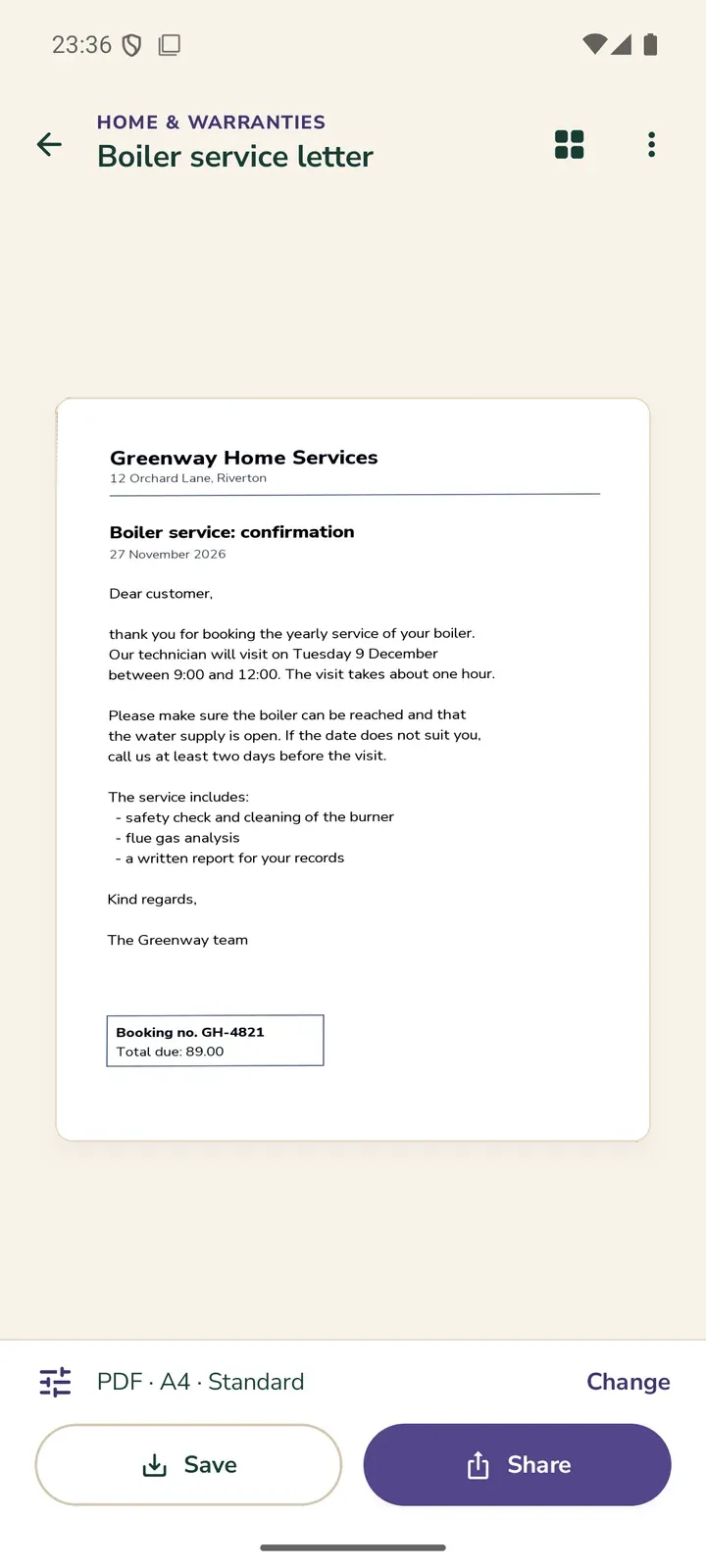
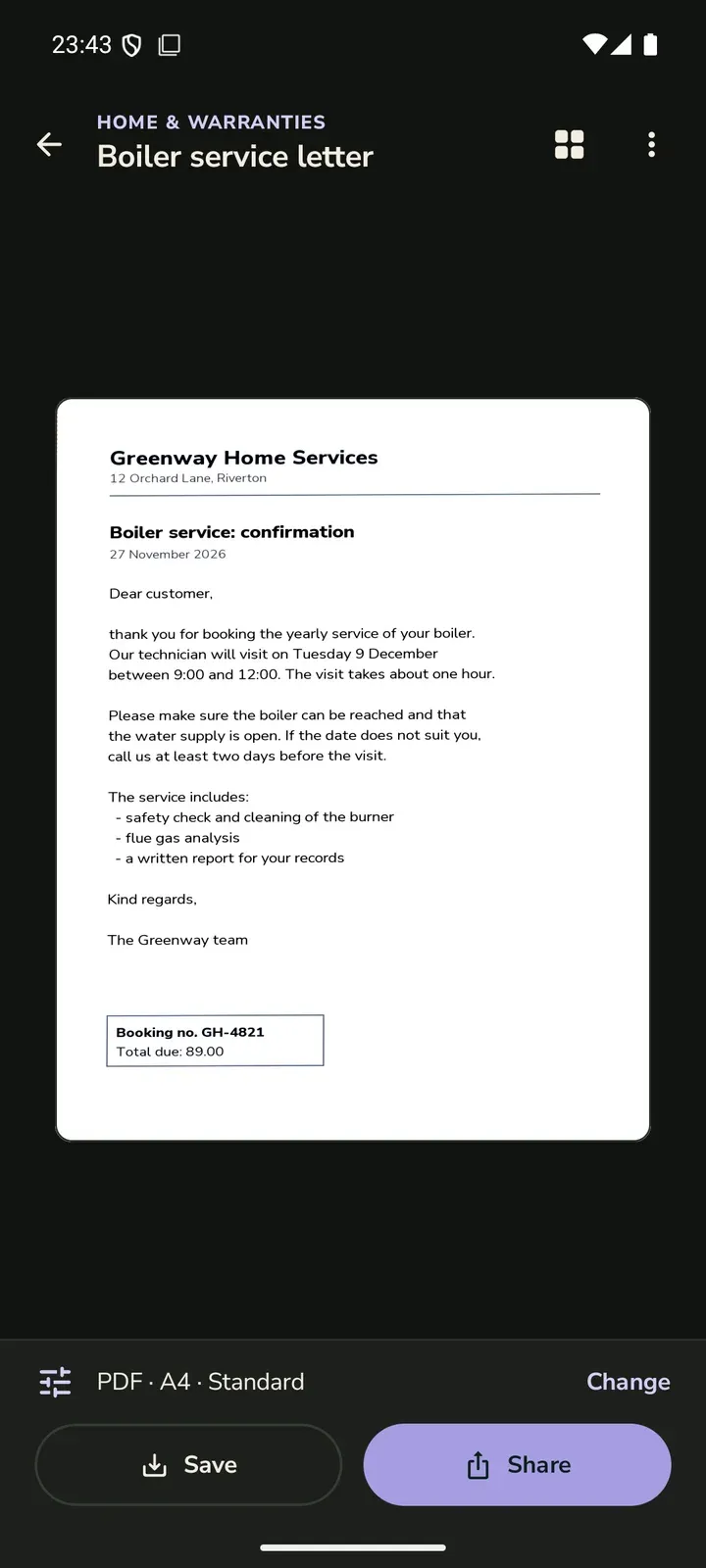
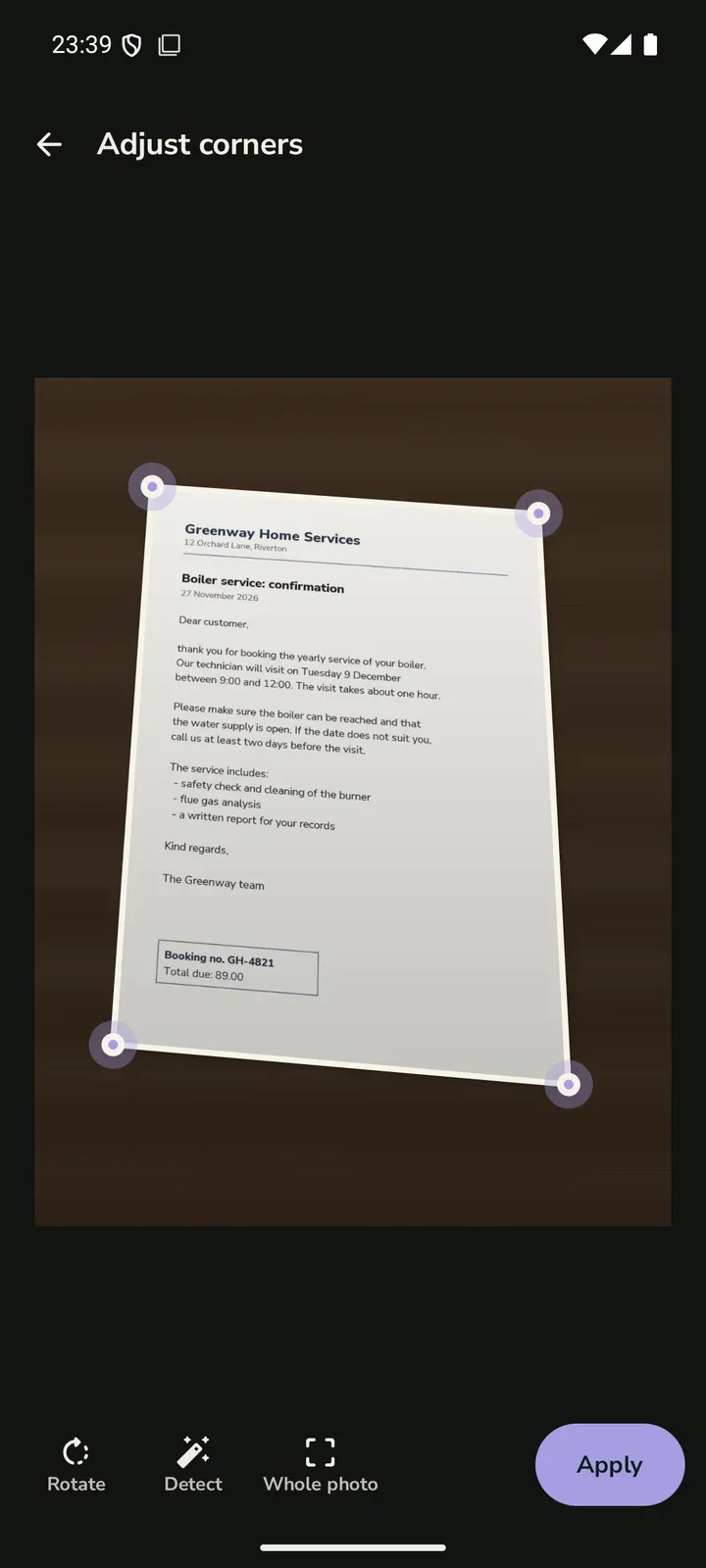
Plico turns letters, receipts, forms and IDs into clean, straight pages. Point the camera at a sheet, take the photo, and Plico finds its edges, straightens it and evens out the light.
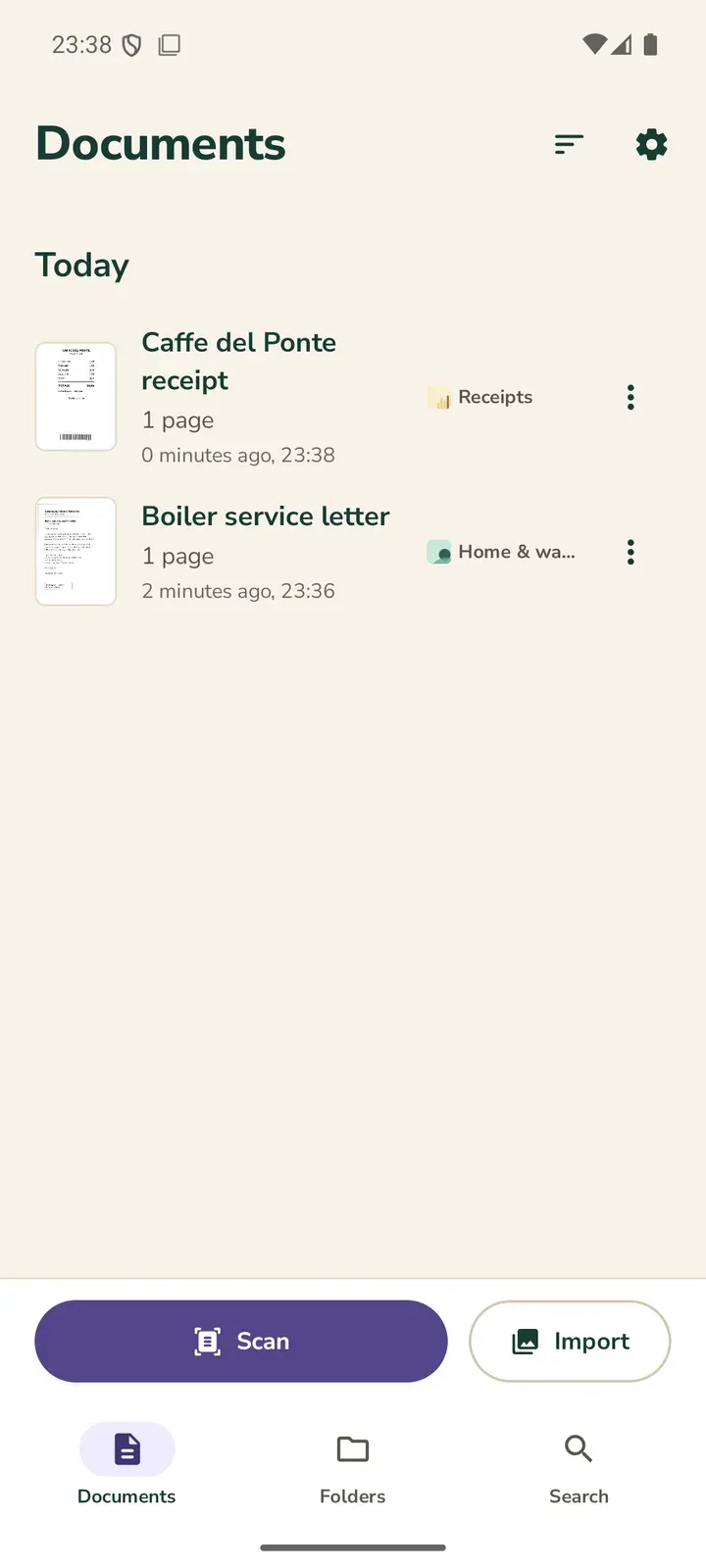
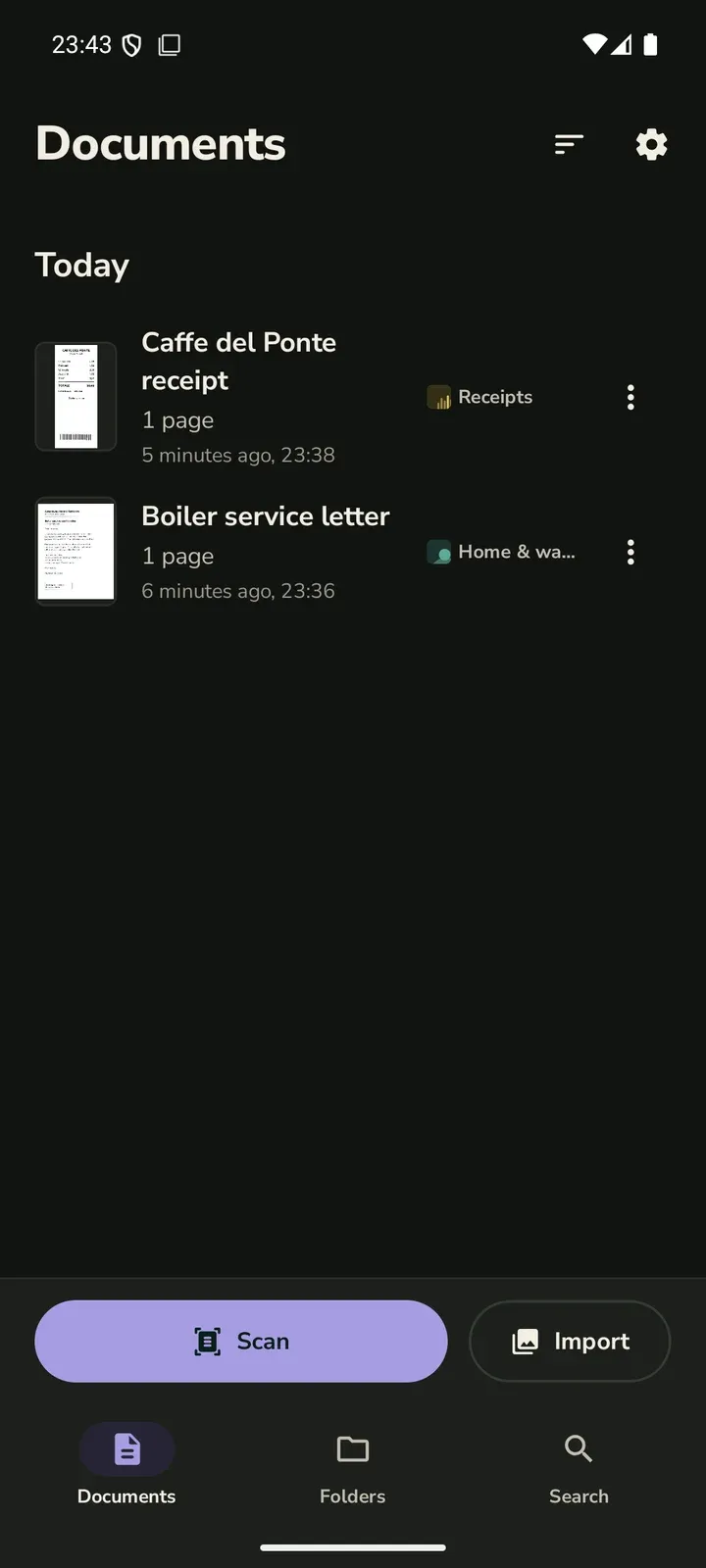
Keep several pages in one document, put documents in folders, and share or save them as a PDF or as images, wherever you choose.
Plico has no internet permission, so it cannot send anything anywhere. Your documents stay on your phone until you share them.
What it does
What it does
Scan
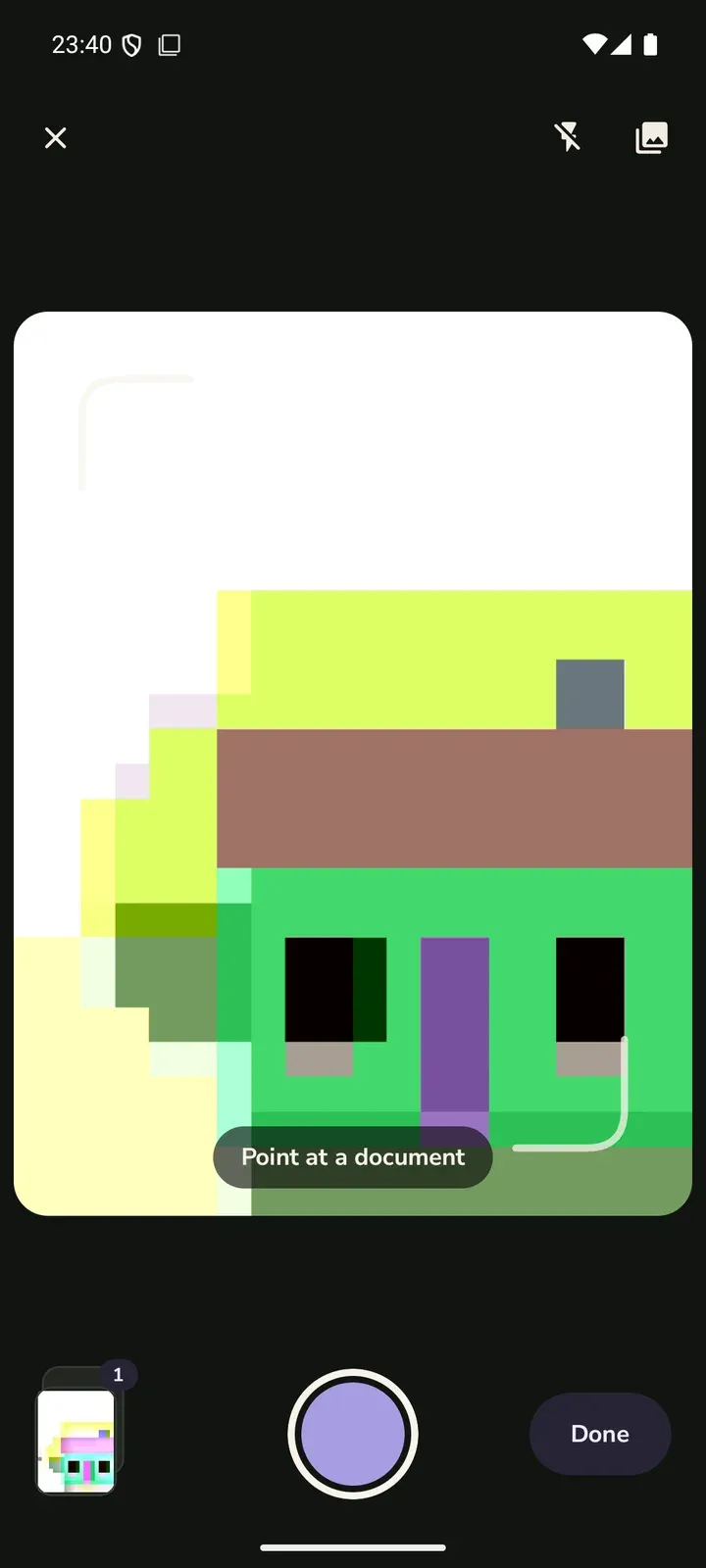
- The camera outlines the page as you aim, and you can always move the corners by hand
- Several pages in a row, with flash or torch; the volume-down key takes the photo too
- Import photos you already took, from the gallery
Clean pages
- Four looks: original, clean, grey, black and white; for one page or all of them
- Shadows and uneven light are evened out, so paper looks like paper
- Rotate, reorder and remove pages; re-crop at any time, the original photo is kept
Share and keep
- PDF in A4, Letter or fitted to the page, or one JPEG per page, in three quality levels
- Share to any app, or save with Android's file picker; optionally always to the same folder
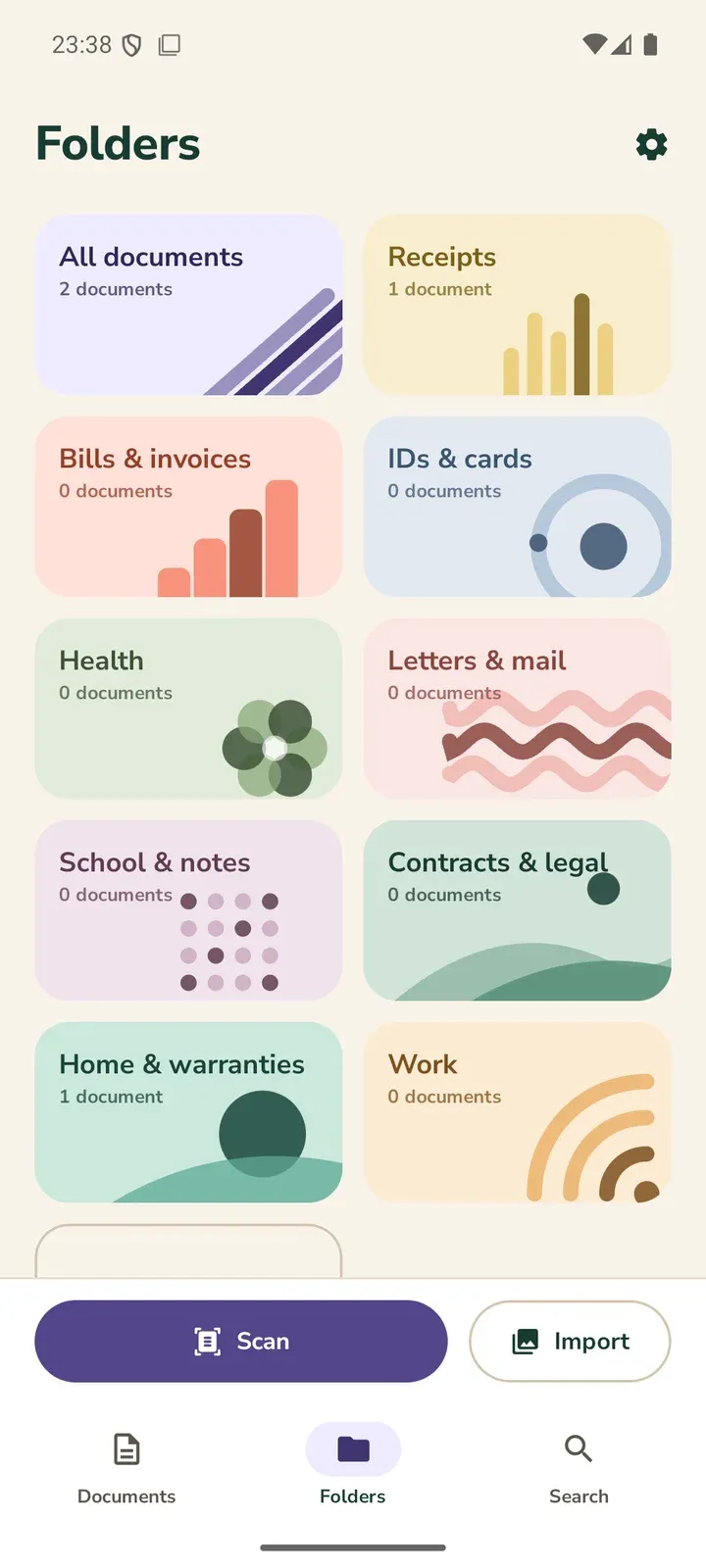
- Folders for receipts, bills, IDs, letters, health, school, contracts, home and work, plus your own
- Search documents by title
Private by design
- No internet permission, which you can check in Android's app info
- Scans are kept out of Android's cloud backup
- An option blocks screenshots of the app
Screenshots
Install on your phone
Our apps are free and distributed only from this site, as signed APKs: you install them directly from here.
- Download the APK on your Android phone with the button on this page.
- Open the file from the download notification or from the Files app.
- If Android asks, allow your browser to install apps (Settings › Install unknown apps), then go back.
- Tap Install. To update, download the new version and install it over the old one. Your favorites and settings stay.
Every version of an app is signed with the same key, so updates install over the previous one. Android may show a generic warning for apps installed outside an app store.
Get it with the HumbleTap appYou can also install it with the HumbleTap app, which then keeps it up to date for you.Also by HumbleTap
HumbleTap
Every HumbleTap app in one place, always up to date.
Airwave
The world's radio, live and ad-free.
Edicola
The news from many sources, one story at a time.
Sereno
The weather, calmly. No ads, nothing to track.
Voci
Your podcasts, without ads or an account.
Litro
Fuel prices near you, with the date on every price.
Entro
Every deadline, in good time.
Tessera
Reads QR codes and barcodes, and shows you where they lead.