

Weather
Sereno
The weather, calmly. No ads, nothing to track.
 Get it with the HumbleTap appOne app for all of ours: it installs this one and keeps it up to date by itself.
About Sereno
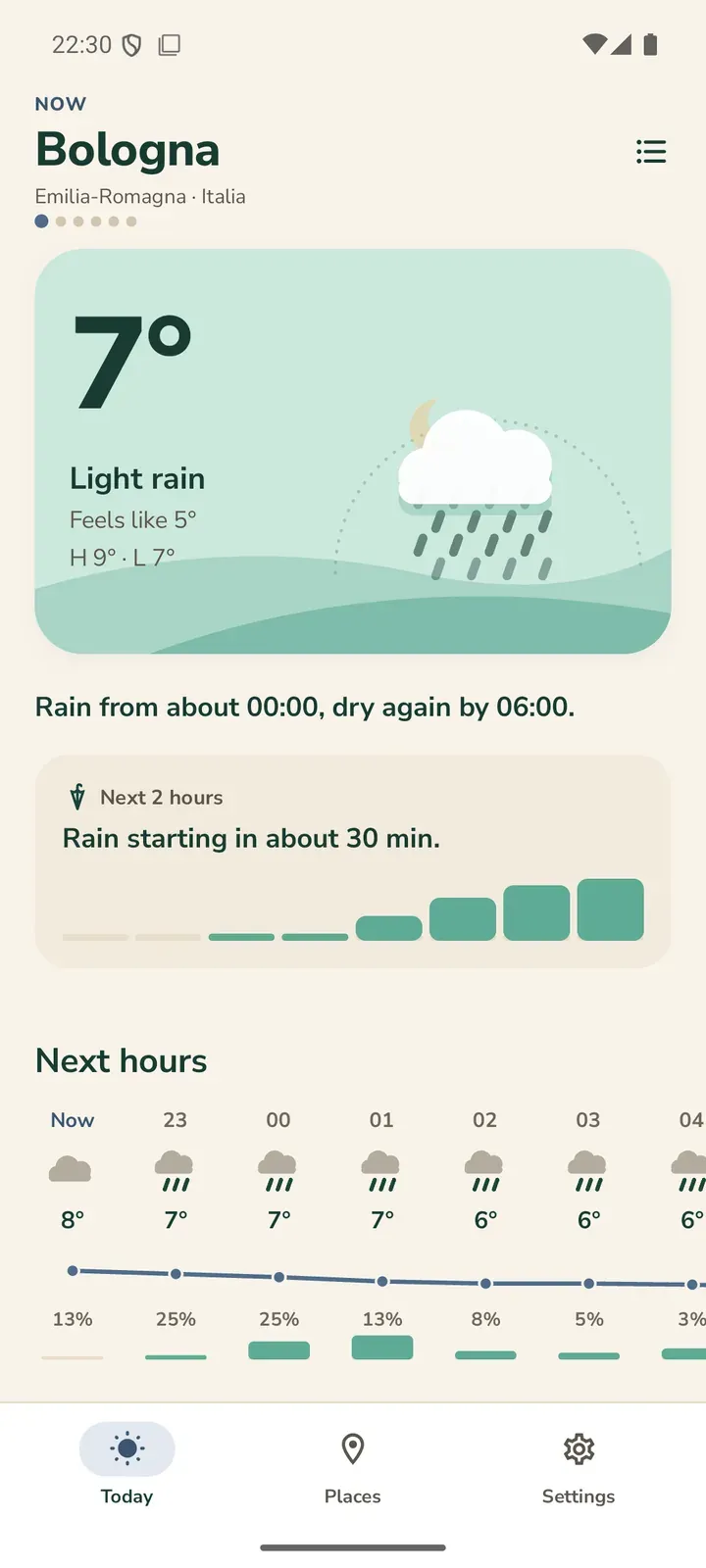
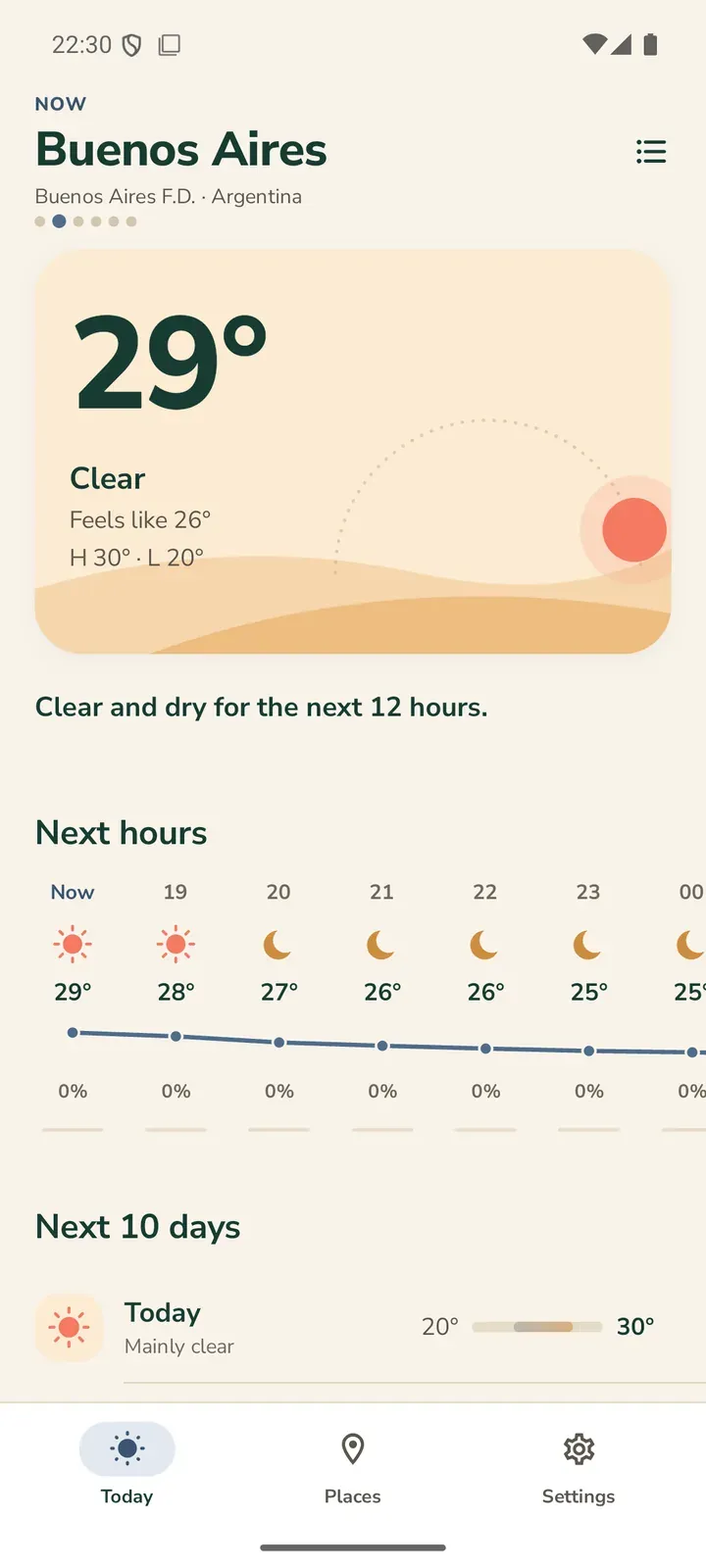
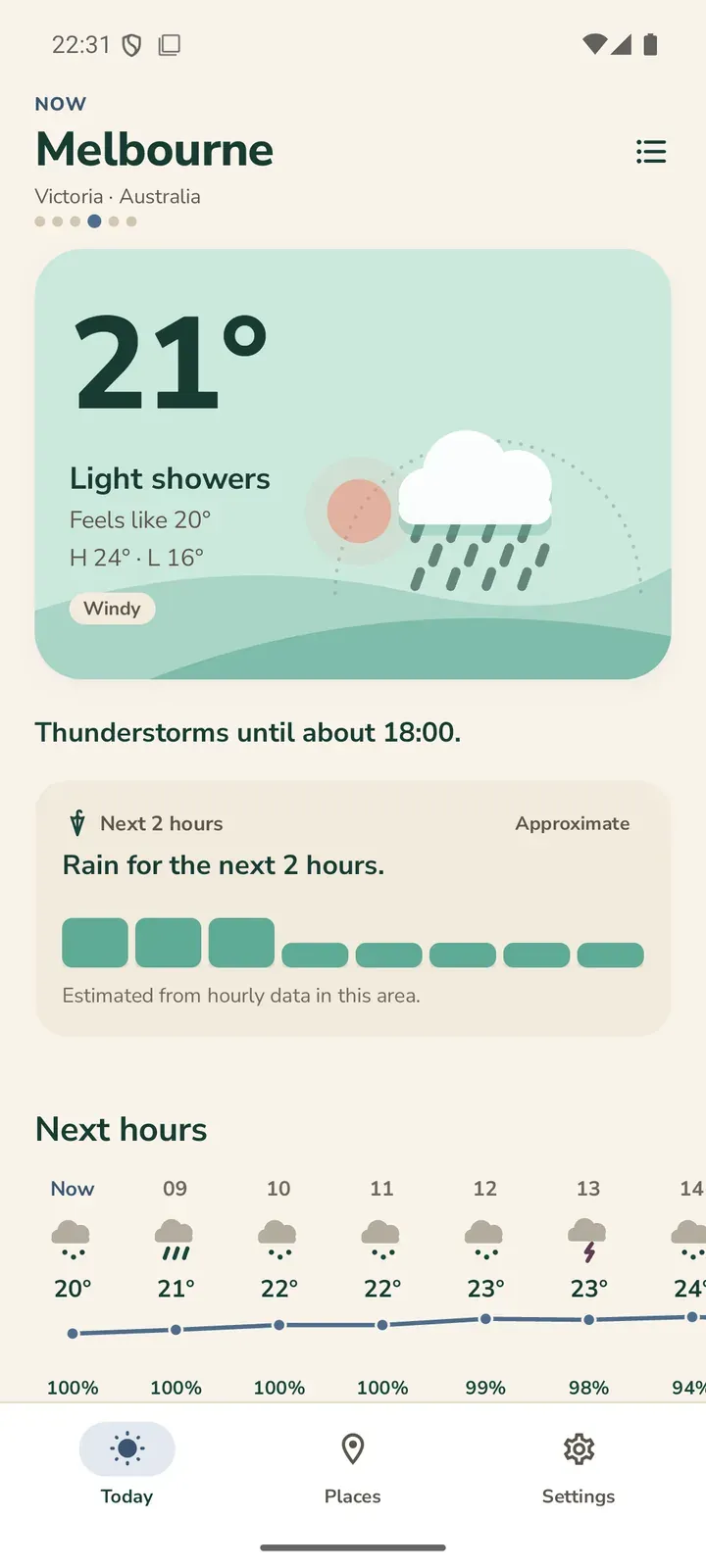
Sereno shows the forecast for your town and the places you care about, in one sentence first and in detail after. "Rain from about 15:00, dry again by 19:00" comes before any chart.
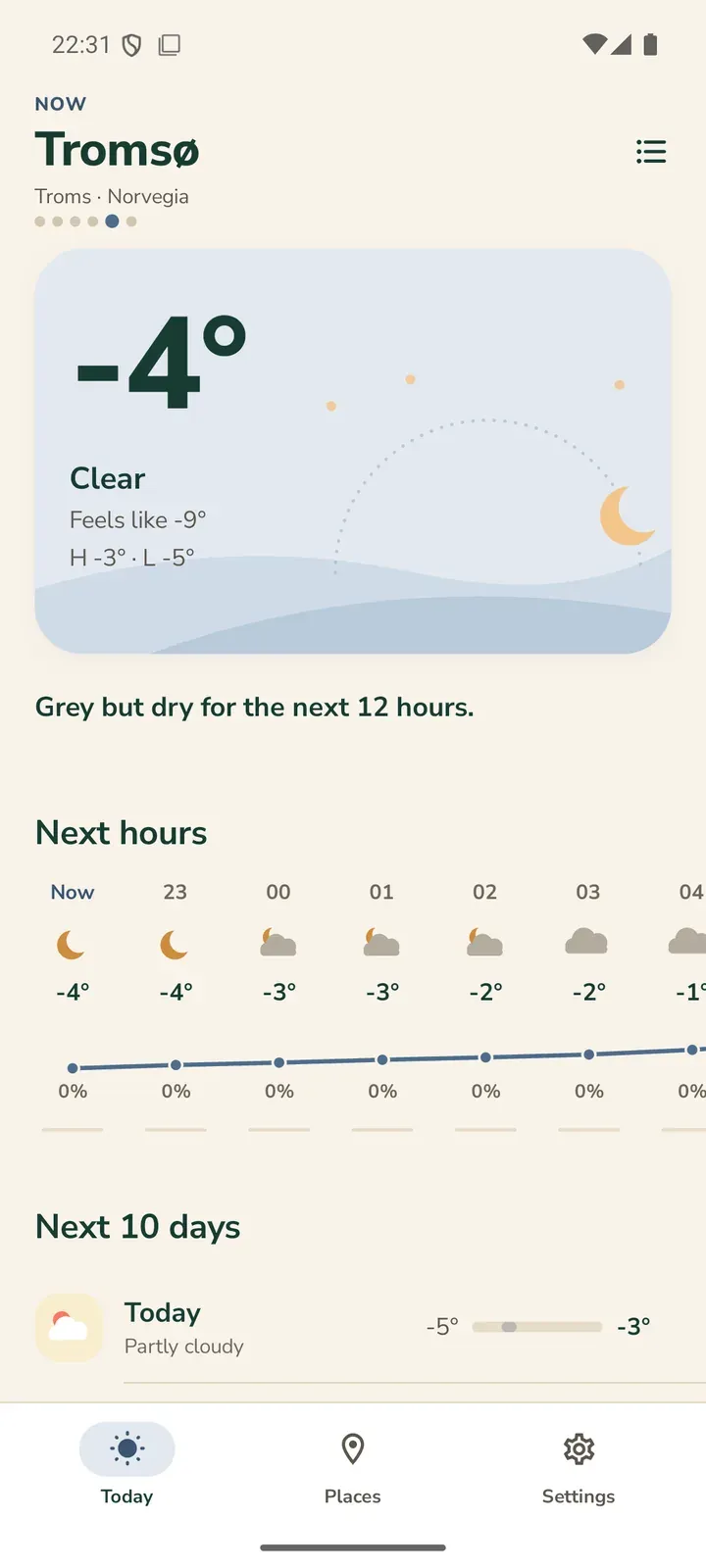
Each forecast is drawn as a small sky, with the sun or the moon where it really is between sunrise and sunset. Then the next hours, the next ten days, wind, humidity, UV and daylight.
Your places stay on your phone. The forecast comes from Open-Meteo, and the app asks for your location only if you want it, only roughly, and never in the background.
What it does
What it does
Today at a glance
- Temperature, feels-like, high and low, on a sky that matches the weather
- One line on what the next twelve hours hold, in plain words
- Rain in the next two hours, every 15 minutes, marked approximate where it is estimated
Hours, days, details
- The next 24 hours with temperature, sky and chance of rain
- Ten days with the range of each day against the week
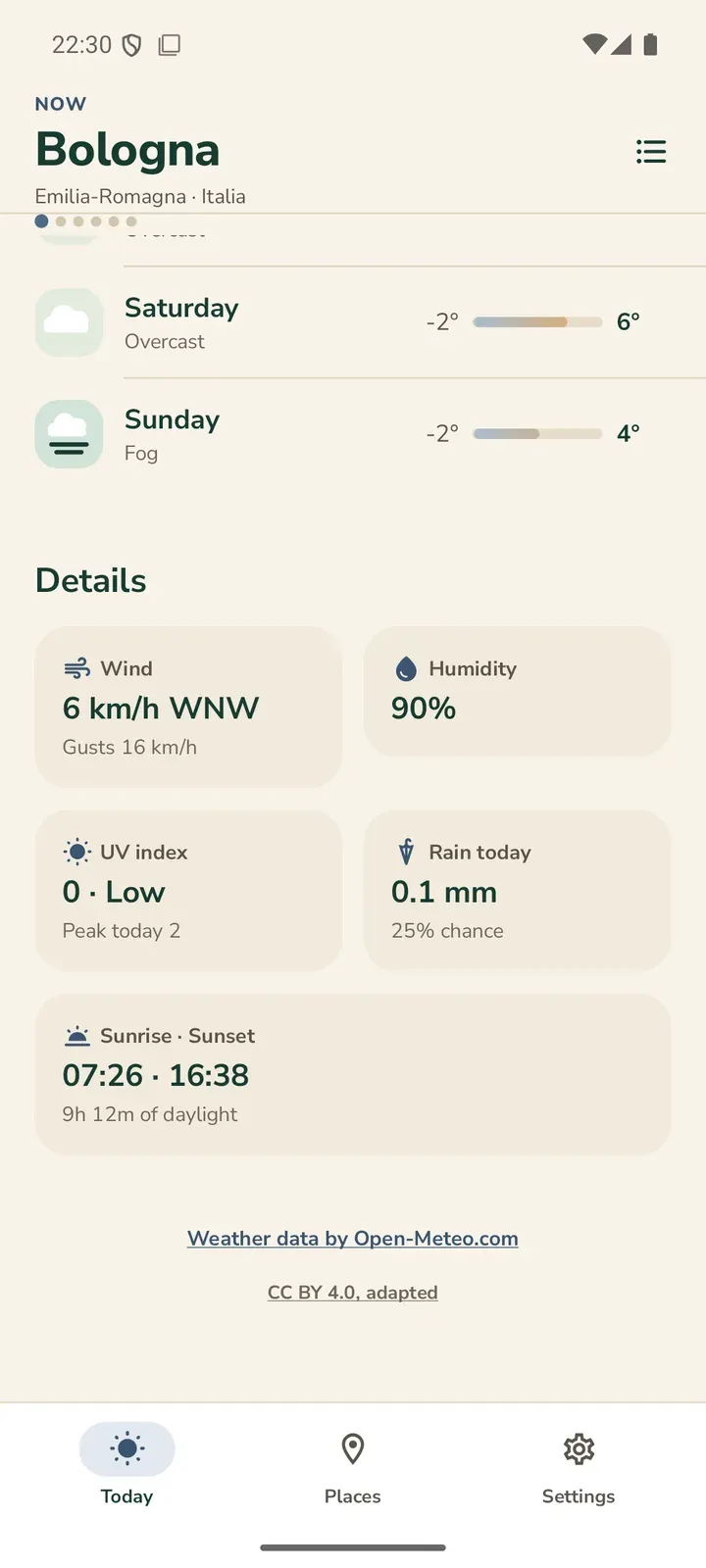
- Wind and gusts, humidity, UV index, rain today, sunrise, sunset and daylight
Your places
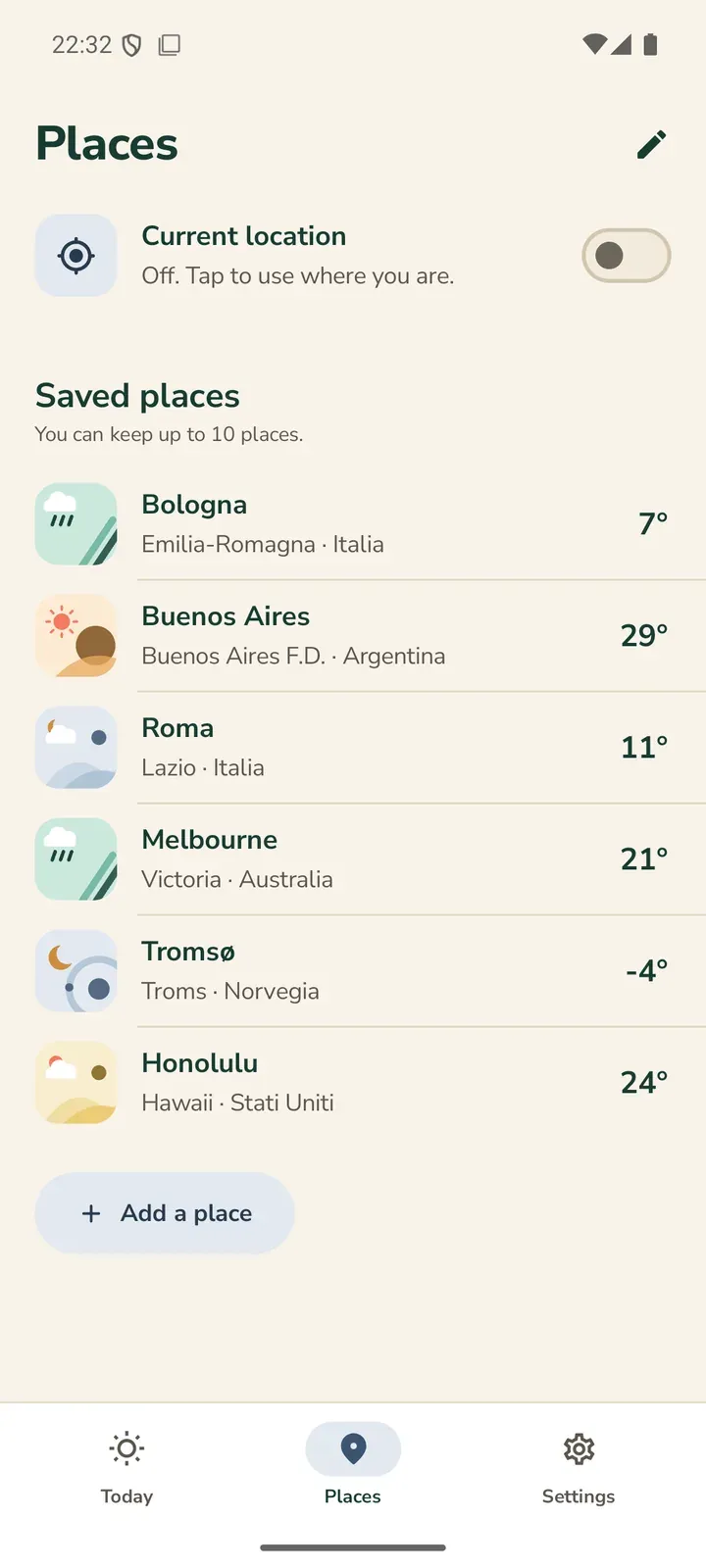
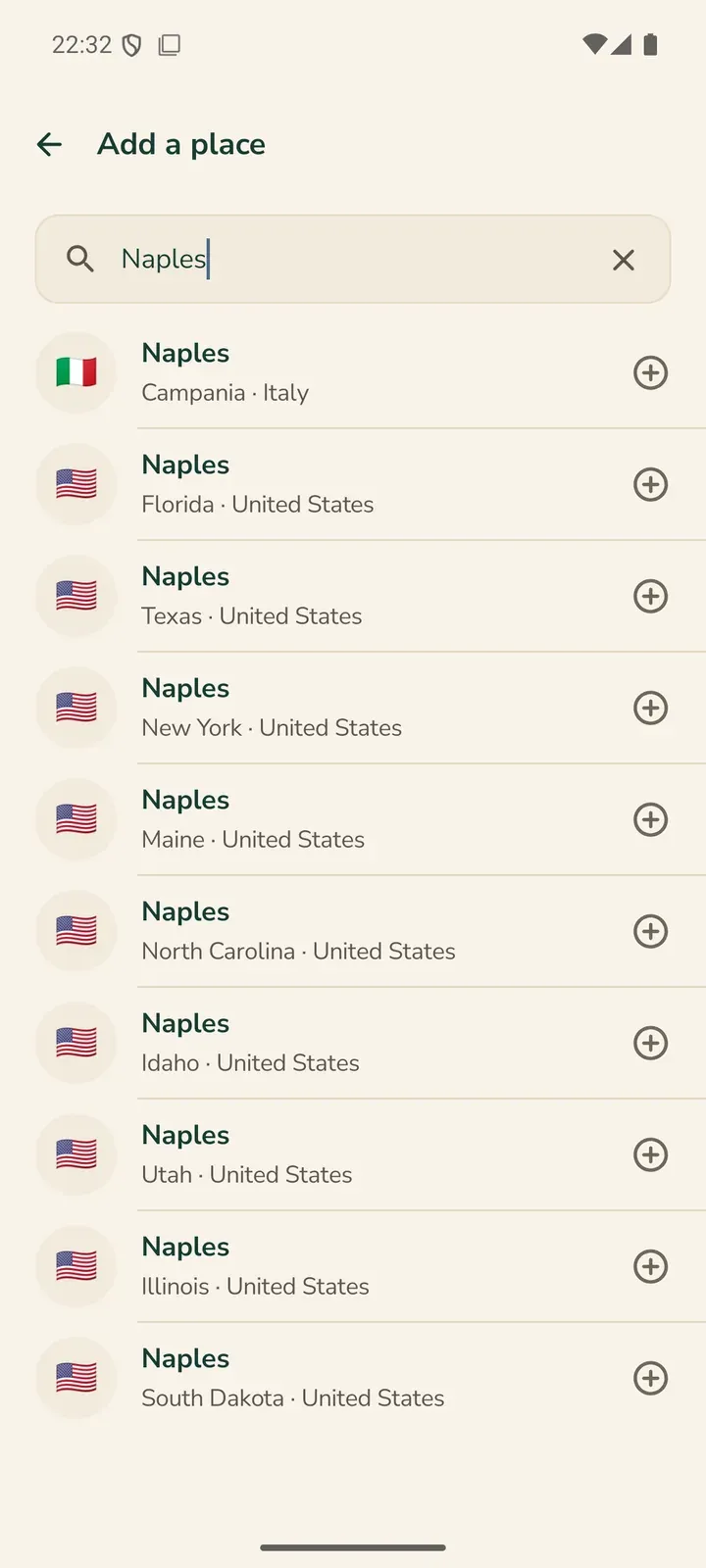
- Up to ten places, searched by name, in the order you like; swipe between them on Today
- Your current location, if you want it, approximate and only while you use the app
Widgets
- Three sizes: now, today with its sky, and the next hours or days
- Each widget shows the place you choose and refreshes about once an hour, even after a restart
Calm by design
- Works offline with the last forecast, and says how old it is
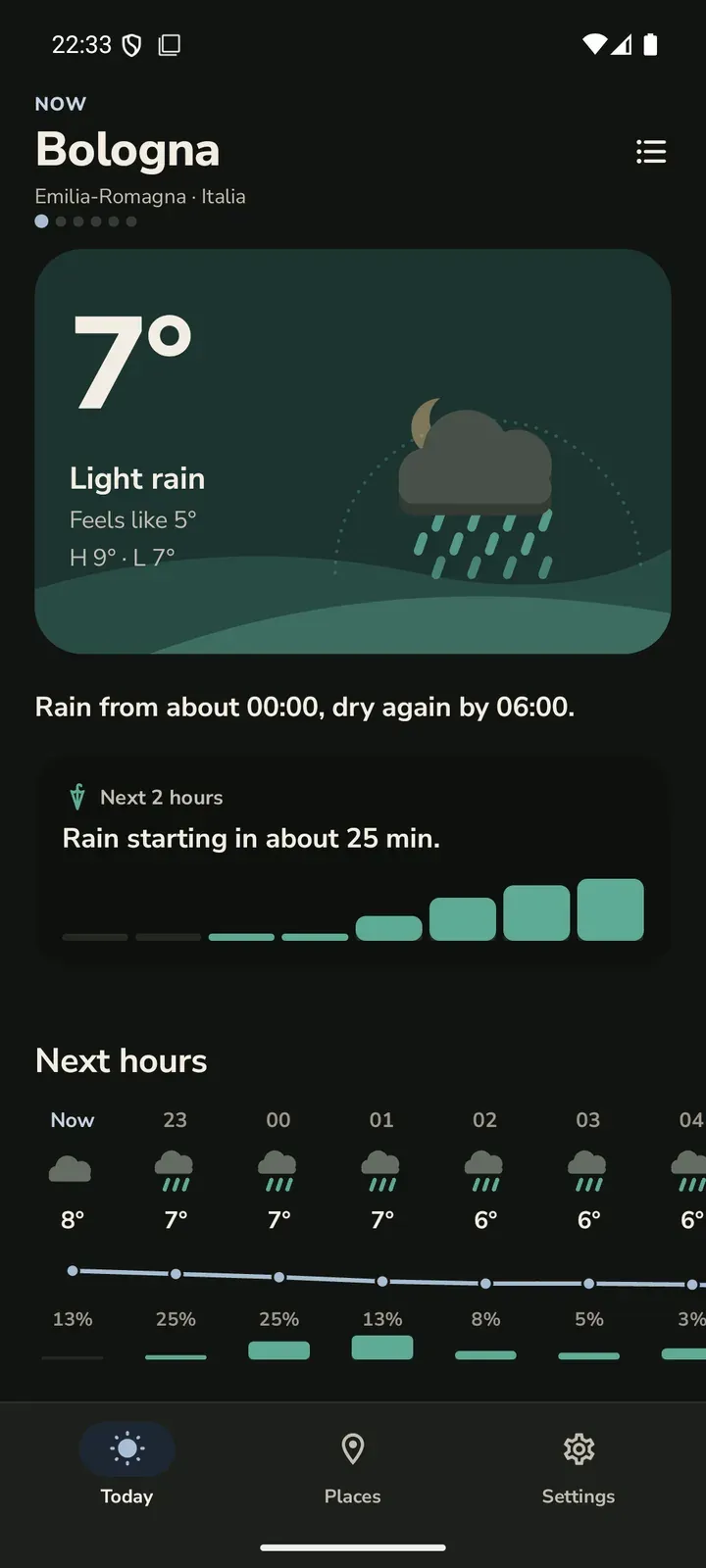
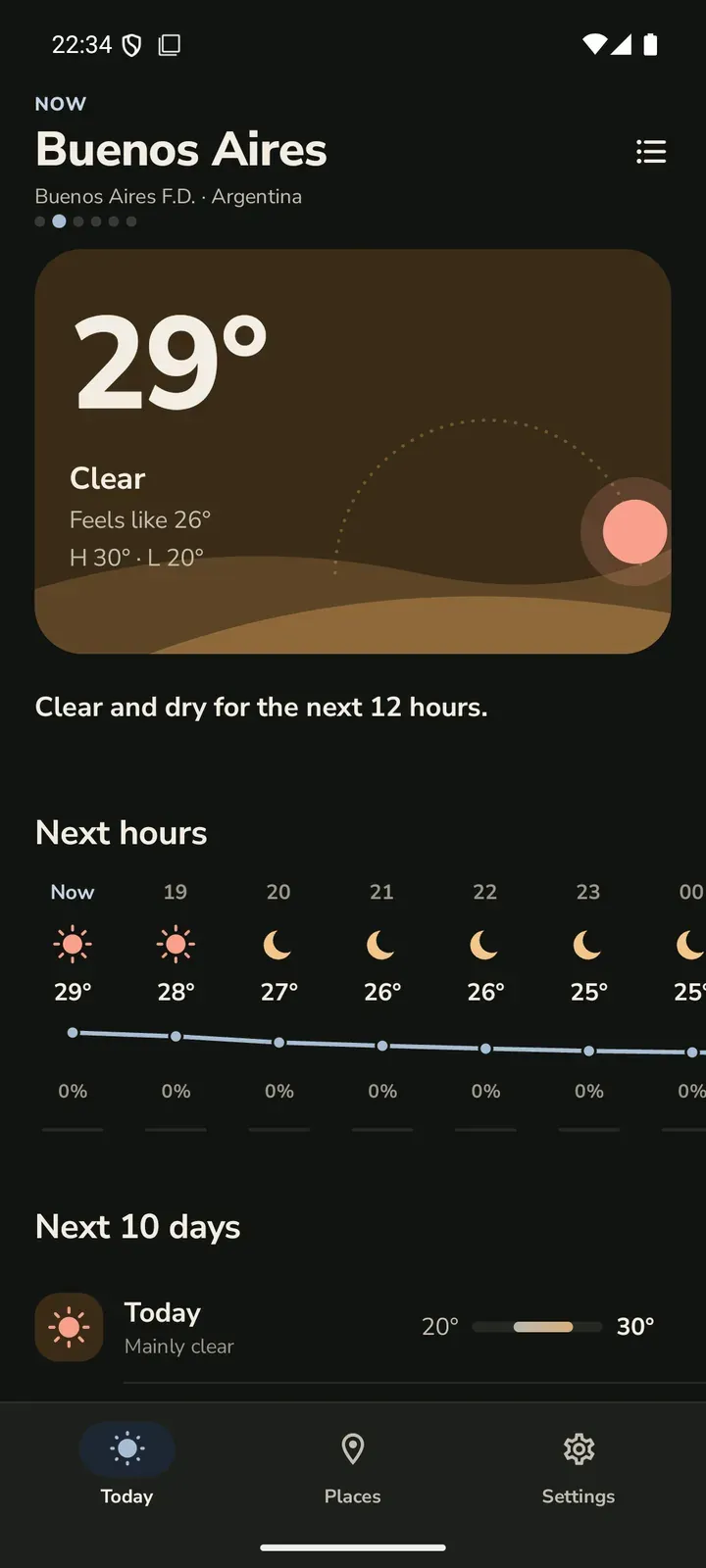
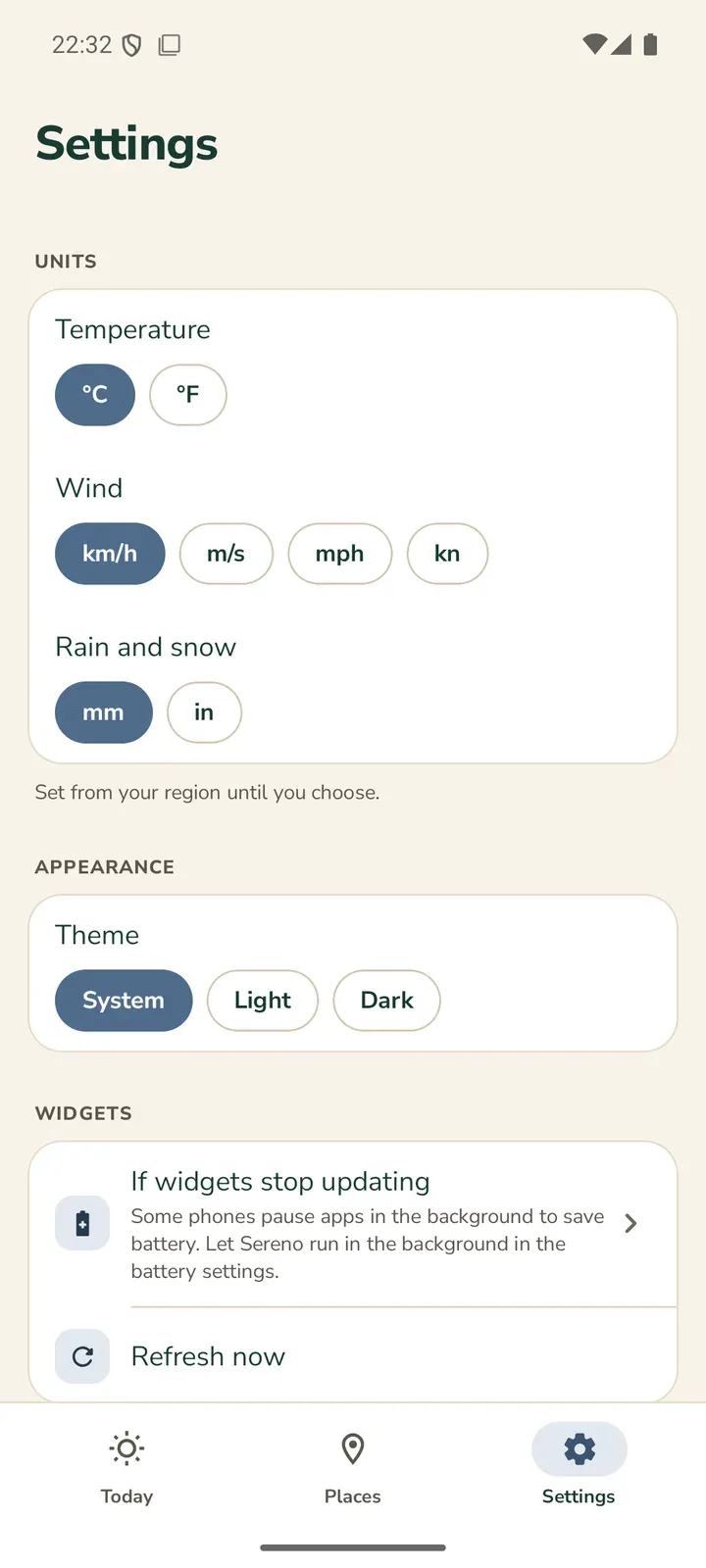
- Celsius or Fahrenheit, km/h, m/s, mph or knots, millimetres or inches; light and dark theme
Screenshots
Install on your phone
Our apps are free and distributed only from this site, as signed APKs: you install them directly from here.
- Download the APK on your Android phone with the button on this page.
- Open the file from the download notification or from the Files app.
- If Android asks, allow your browser to install apps (Settings › Install unknown apps), then go back.
- Tap Install. To update, download the new version and install it over the old one. Your favorites and settings stay.
Every version of an app is signed with the same key, so updates install over the previous one. Android may show a generic warning for apps installed outside an app store.
Get it with the HumbleTap appYou can also install it with the HumbleTap app, which then keeps it up to date for you.Also by HumbleTap
HumbleTap
Every HumbleTap app in one place, always up to date.
Airwave
The world's radio, live and ad-free.
Edicola
The news from many sources, one story at a time.
Voci
Your podcasts, without ads or an account.
Litro
Fuel prices near you, with the date on every price.
Entro
Every deadline, in good time.
Tessera
Reads QR codes and barcodes, and shows you where they lead.
Plico
Scan paper into clean PDFs, on your phone only.