

Fuel prices (Italy)
Litro
Fuel prices near you, with the date on every price.
 Get it with the HumbleTap appOne app for all of ours: it installs this one and keeps it up to date by itself.
About Litro
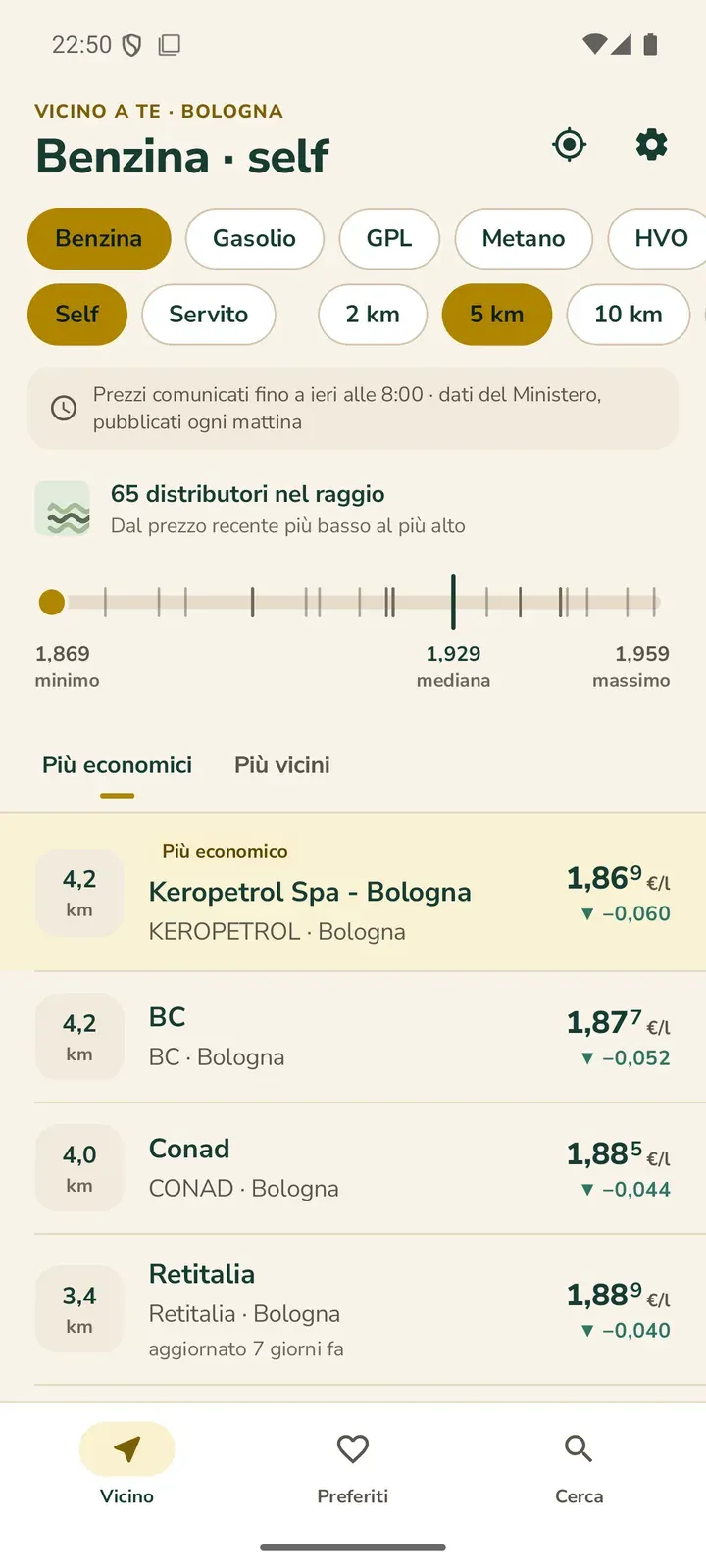
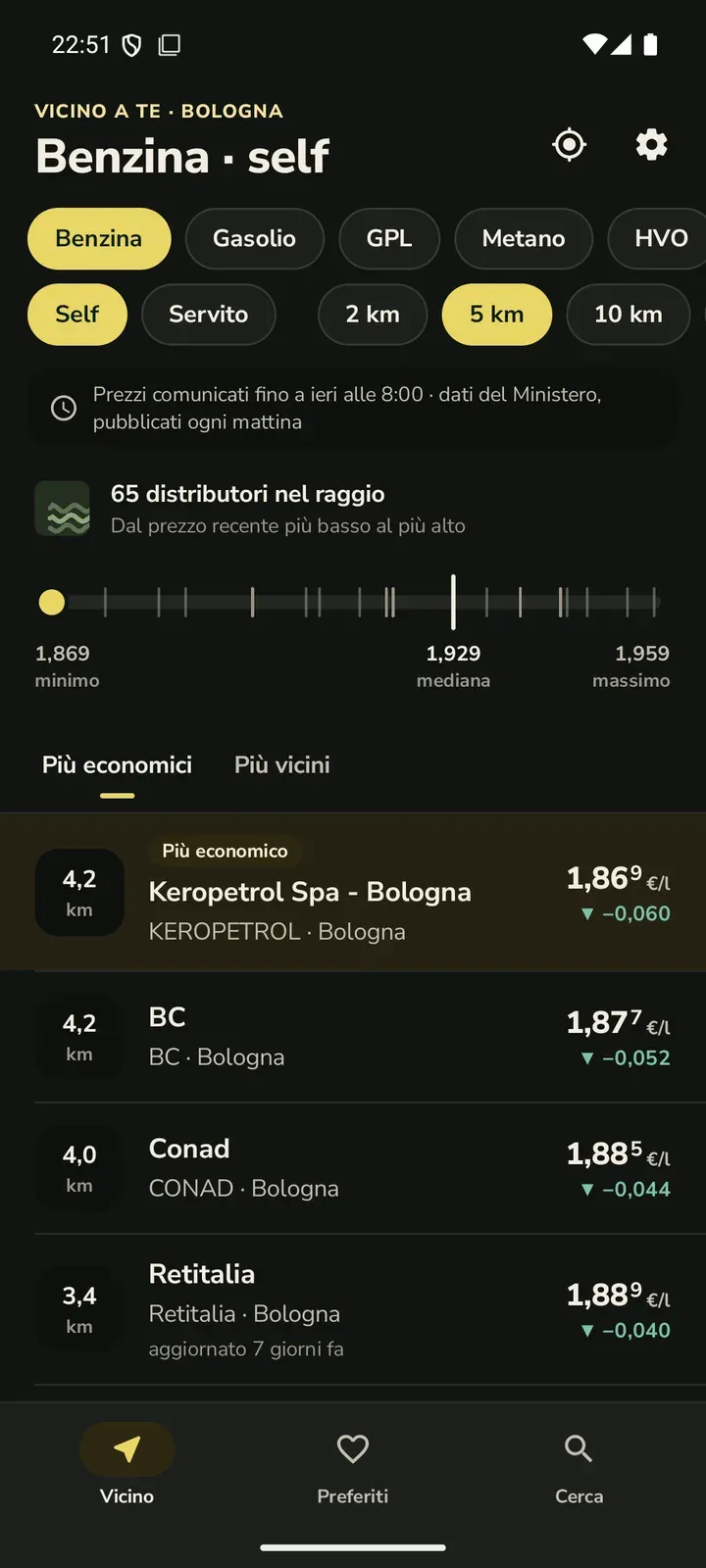
Litro lists the fuel stations around you, cheapest first, for the fuel you buy, self-service or served. Every price shows when the station reported it, and prices older than a week are never shown as the cheapest.
The prices are the Italian Ministry's open data, which every station must report by law. The Ministry publishes them once a day, with the prices in force at 8:00 the day before, and Litro says so plainly. It never claims live prices.
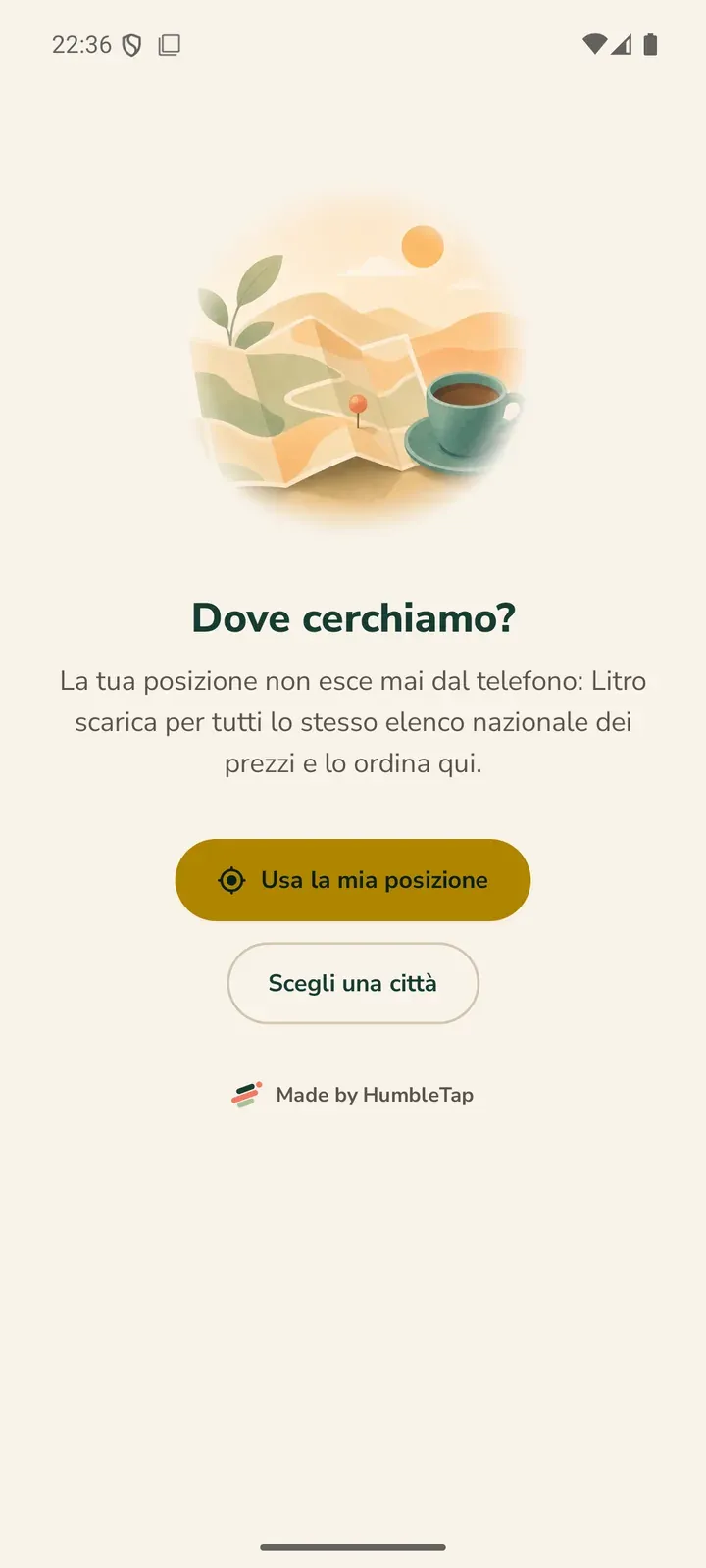
Your location stays on your phone. Litro downloads the same national price list for everyone, straight from the Ministry, and sorts it on the device. You can also choose a town instead of sharing your location.
What it does
What it does
Cheapest first, honestly
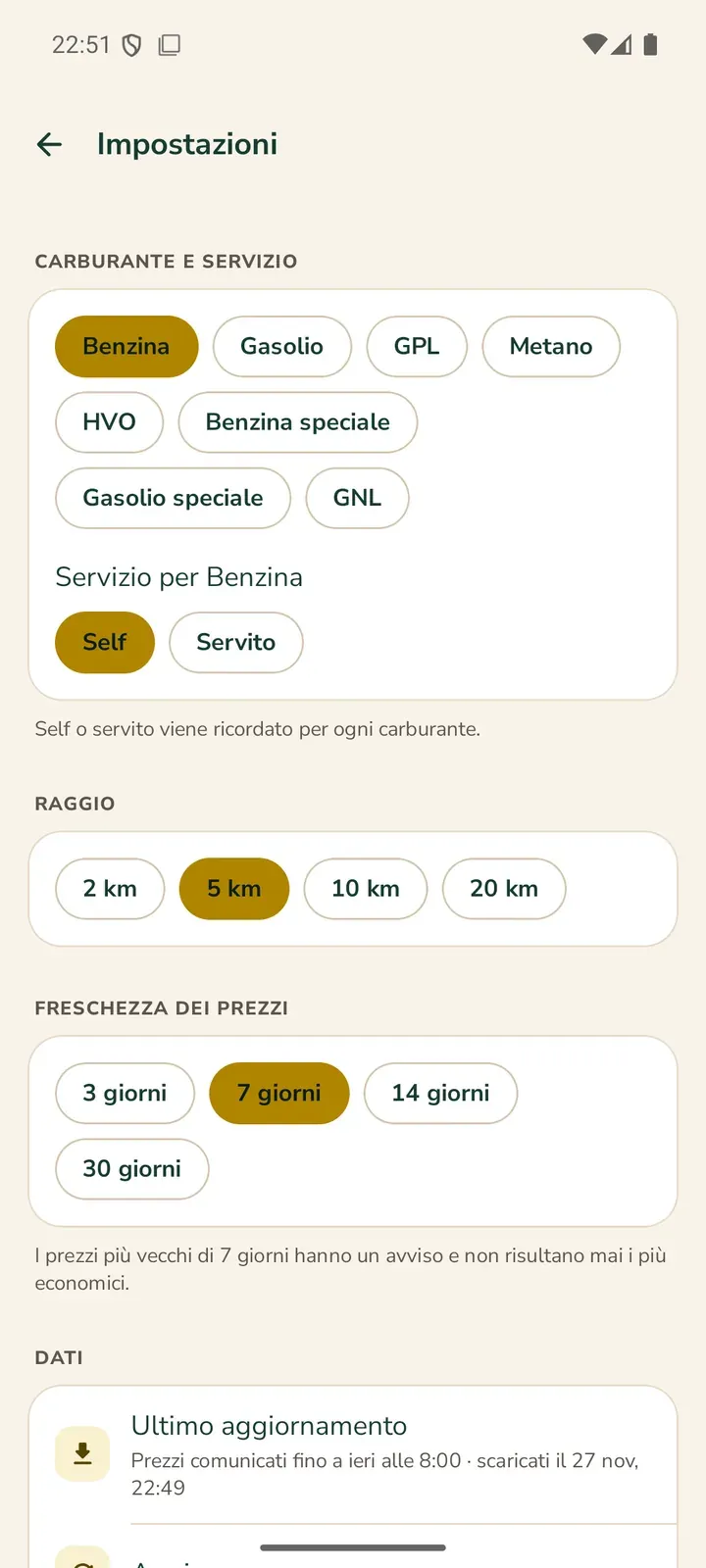
- Petrol, diesel, LPG, CNG, HVO, LNG and premium grades, one at a time
- Self-service or served, remembered for each fuel
- A radius of 2, 5, 10 or 20 km, sorted by price or by distance
- Prices older than a week (you choose the limit) get a warning and never win "cheapest"
Is it a good price?
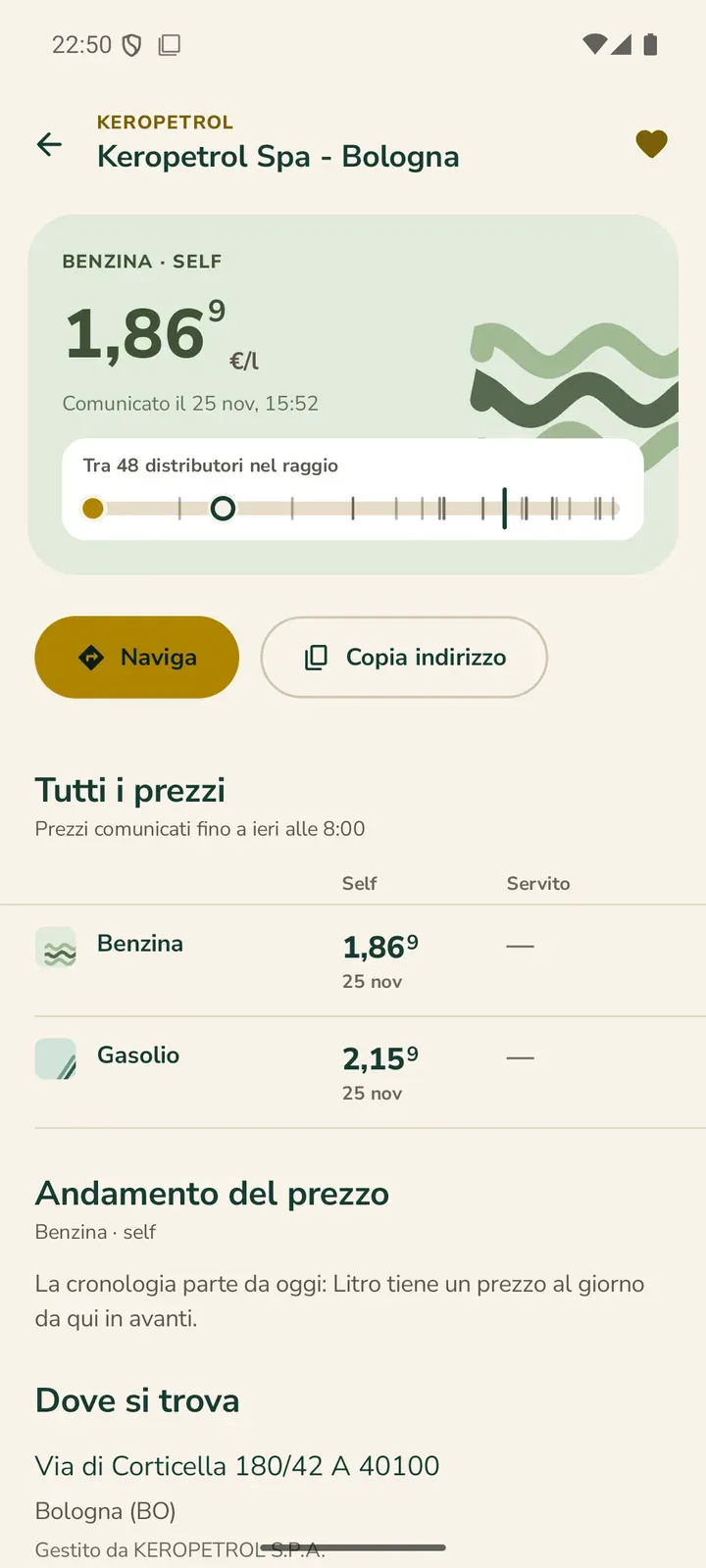
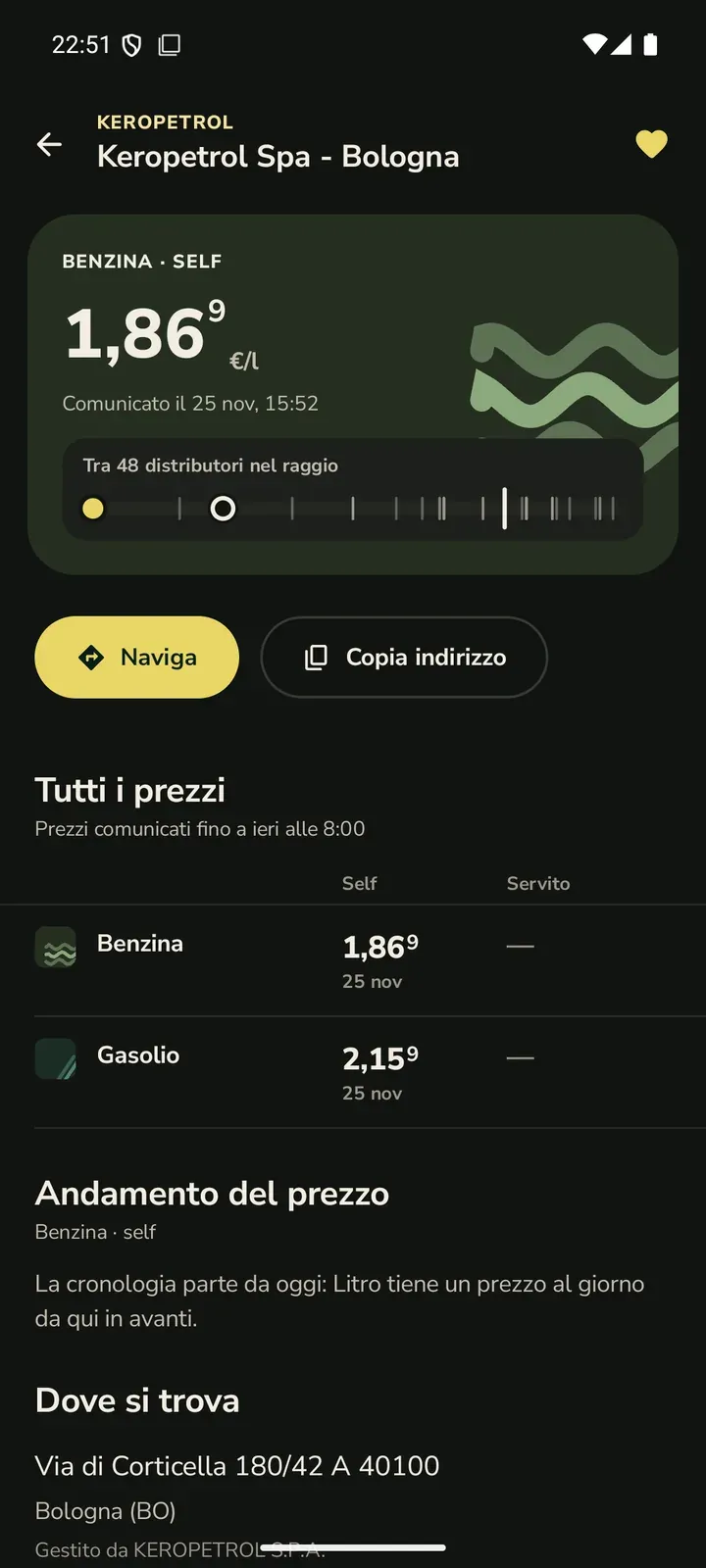
- The price ruler shows the lowest, median and highest recent price in the area
- Every row says how far it is from the area median
- A station's page places its price on the ruler of its own area
The stations you use
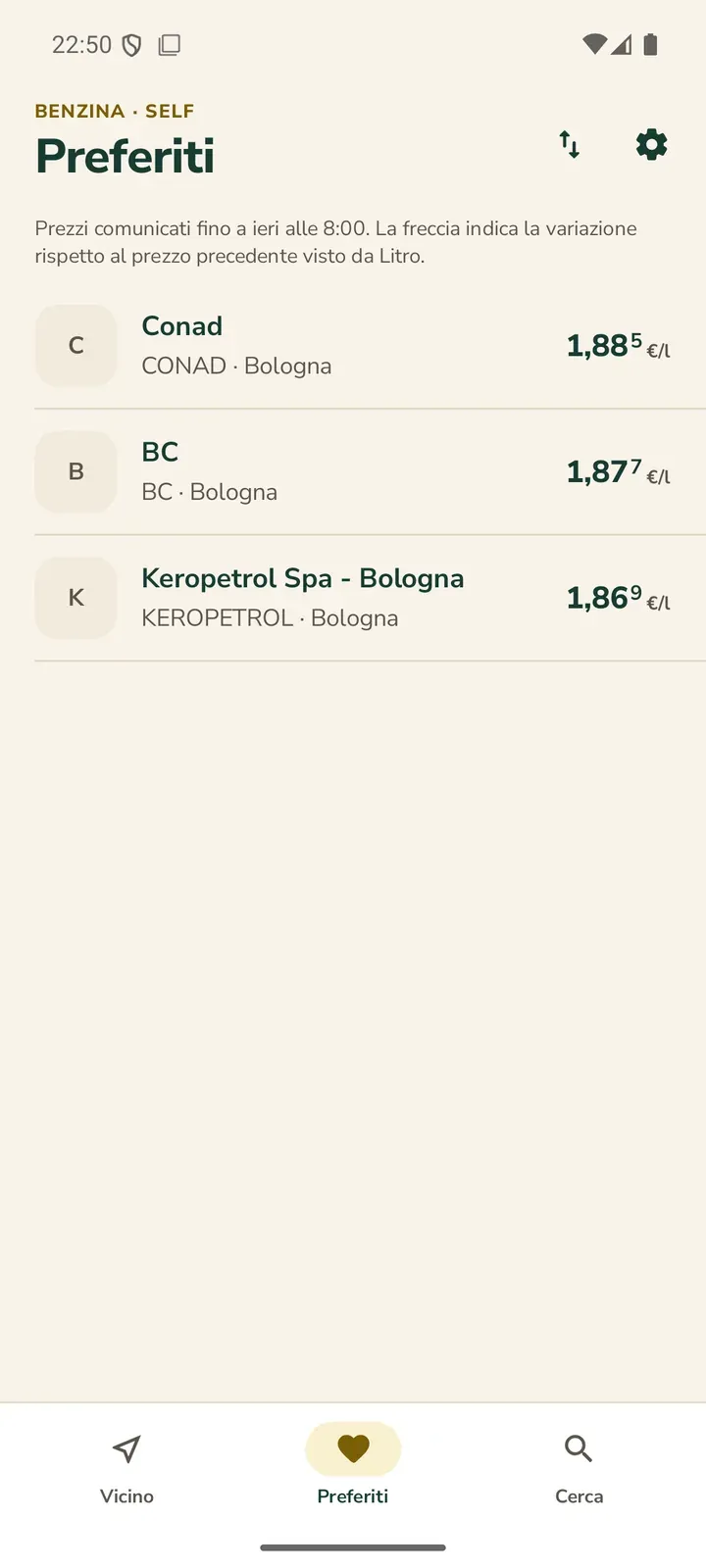
- Favourites with today's price for your fuel and the change since the previous one
- A price history that grows day by day on your phone
- Navigate with the maps app you already have, or copy the address
Private by design
- No account, no ads, no analytics, no trackers
- Approximate location is enough, asked only when you tap "Use my location"
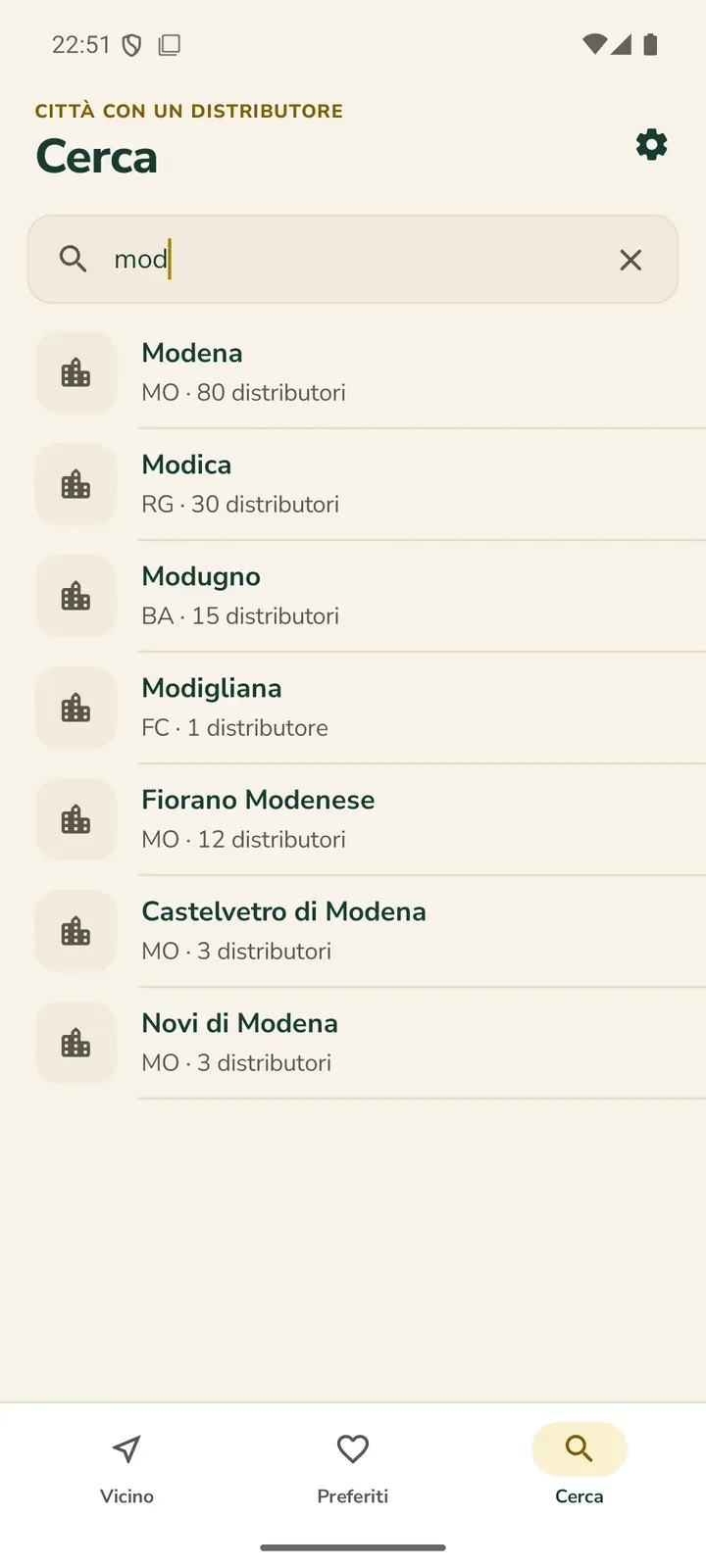
- Or search a town, offline, among the towns that have a station
Light on data
- About 4 MB a day, downloaded only when the Ministry has published a new file
- Background updates on Wi-Fi only, unless you allow mobile data
Screenshots
Install on your phone
Our apps are free and distributed only from this site, as signed APKs: you install them directly from here.
- Download the APK on your Android phone with the button on this page.
- Open the file from the download notification or from the Files app.
- If Android asks, allow your browser to install apps (Settings › Install unknown apps), then go back.
- Tap Install. To update, download the new version and install it over the old one. Your favorites and settings stay.
Every version of an app is signed with the same key, so updates install over the previous one. Android may show a generic warning for apps installed outside an app store.
Get it with the HumbleTap appYou can also install it with the HumbleTap app, which then keeps it up to date for you.Also by HumbleTap
HumbleTap
Every HumbleTap app in one place, always up to date.
Airwave
The world's radio, live and ad-free.
Edicola
The news from many sources, one story at a time.
Sereno
The weather, calmly. No ads, nothing to track.
Voci
Your podcasts, without ads or an account.
Entro
Every deadline, in good time.
Tessera
Reads QR codes and barcodes, and shows you where they lead.
Plico
Scan paper into clean PDFs, on your phone only.