

Personal deadlines
Entro
Every deadline, in good time.
 Get it with the HumbleTap appOne app for all of ours: it installs this one and keeps it up to date by itself.
About Entro
Entro keeps your personal deadlines in one list, the car, your documents, the boiler, subscriptions and bills, and reminds you early enough to act.
Its Italian templates do the arithmetic people get wrong, from the revisione cycle to the bollo's month after expiry and the 15 days of grace on RC auto, and always show the rule and its official source. When a document has a printed date, Entro asks for it.
Everything stays on your phone. Entro has no account and no internet permission, so it cannot send your list anywhere. You can export an encrypted copy whenever you like.
What it does
What it does
Templates that do the arithmetic
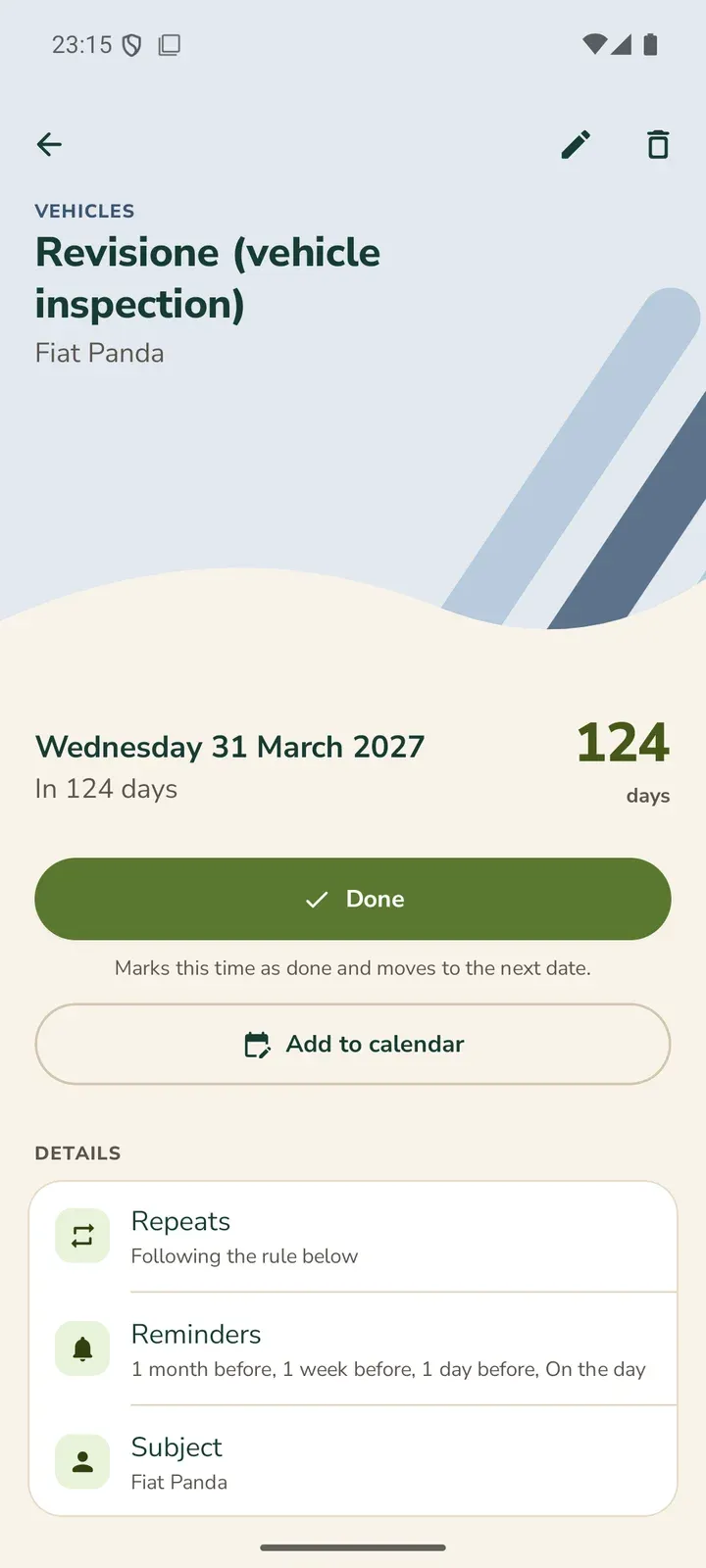
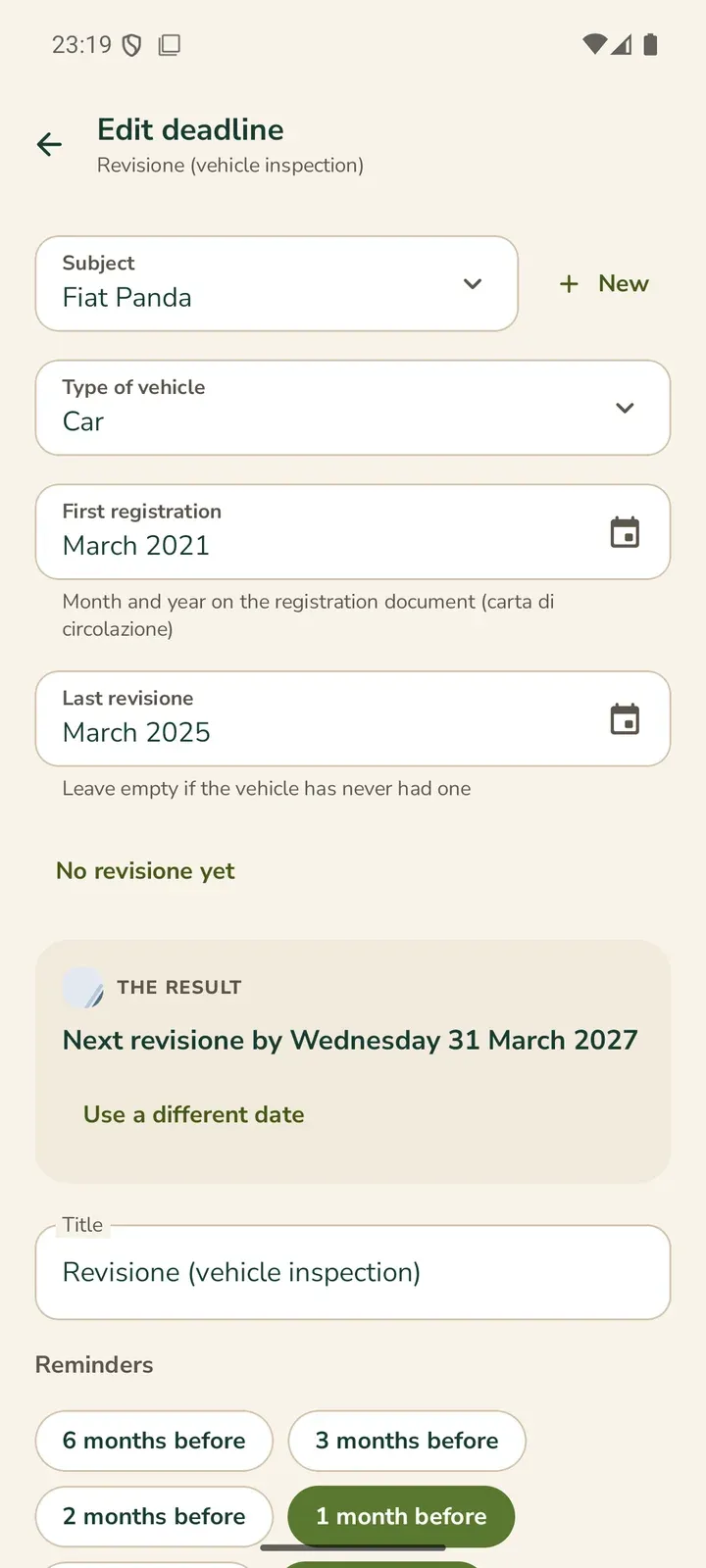
- Revisione: four years from registration, then every two, by the end of the month
- Bollo: only the expiry month from your last receipt; the payment deadline moves past weekends and holidays
- RC auto with its 15 days of grace; driving licence, identity card, passport and health card by their printed date
- Boiler checks by fuel and power, car service, subscriptions, bills, warranties and check-ups
- Every computed date can be changed by hand
Reminders built for Android
- Several reminders per deadline, a month, a week and a day before, at the time you choose
- From the notification: Done, which moves to the next date, or Remind me tomorrow
- A daily check catches up on anything the phone held back, and a panel shows what could stop a reminder on your phone
See what's coming
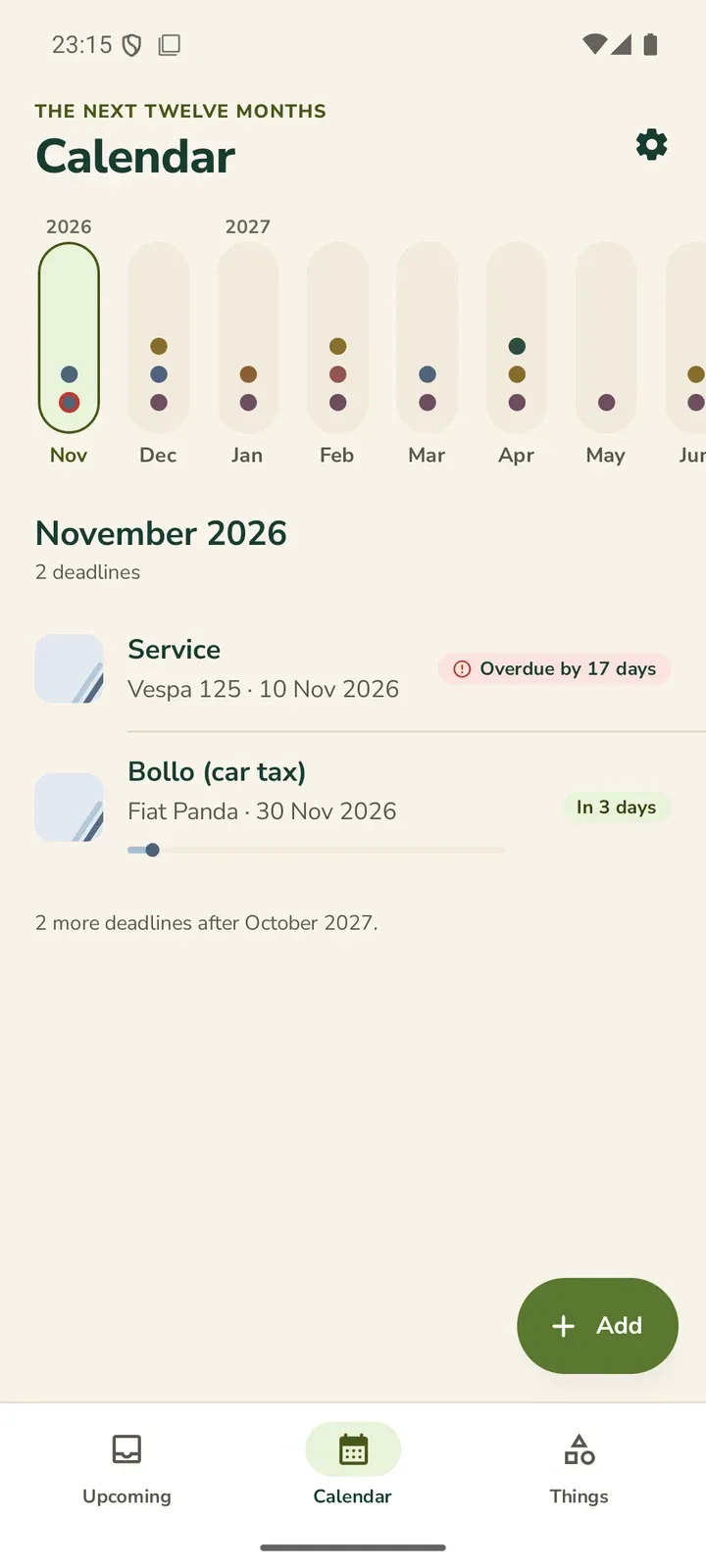
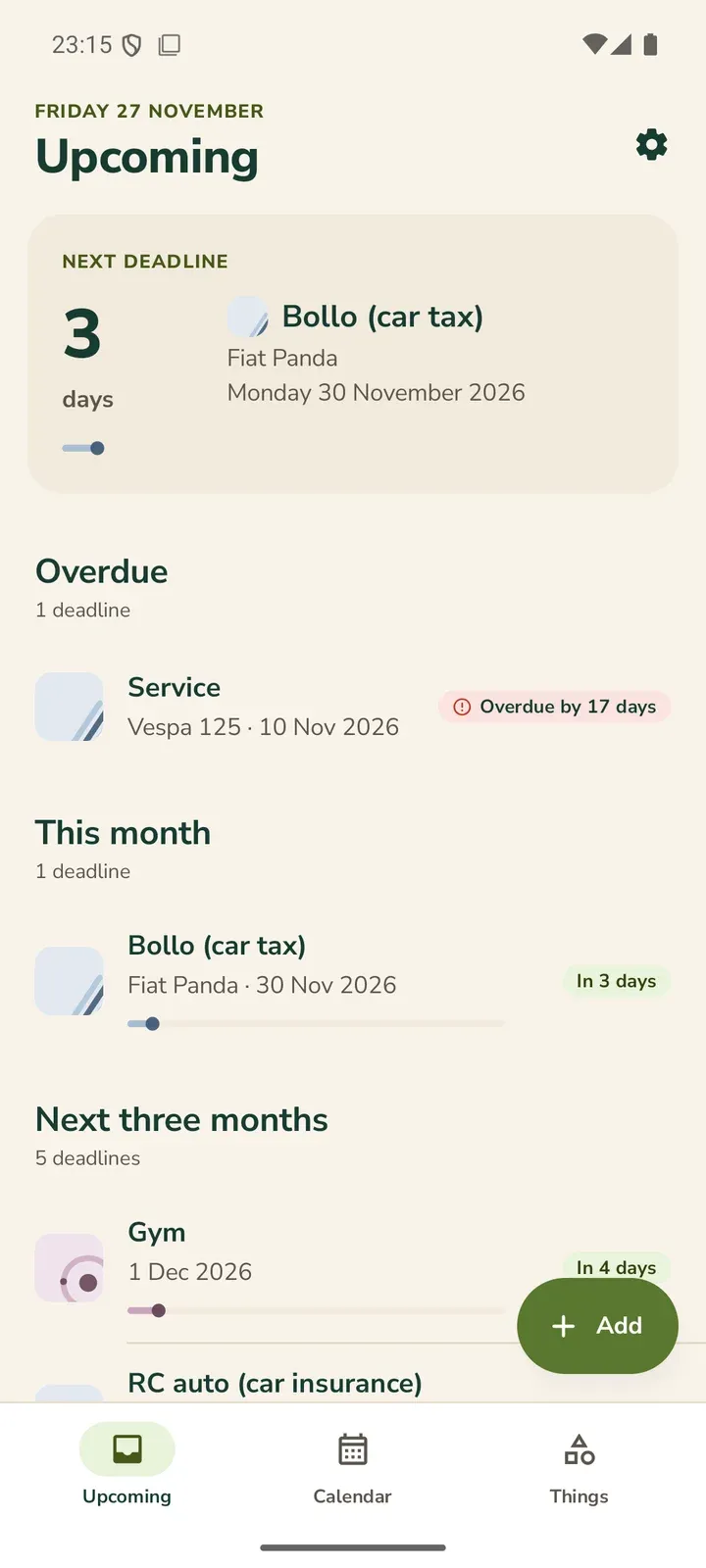
- The next deadline with its day count, then overdue, this month, the next three months and later
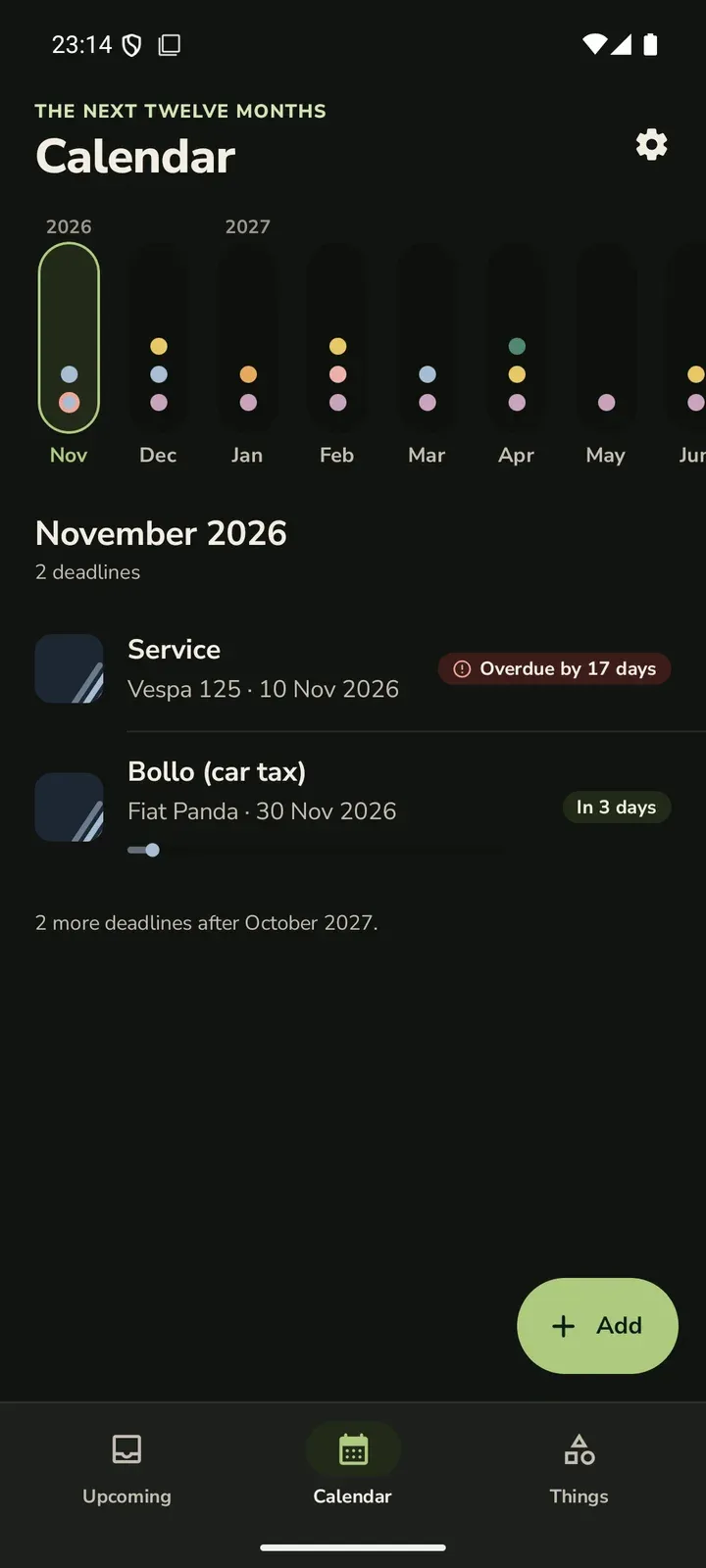
- A year ribbon with every deadline as a dot in its category colour
- Things you own or look after, each with its deadlines, and a home-screen widget
Yours, on your phone
- No account, no ads, no analytics, no internet permission
- Encrypted export with your password, a readable JSON copy and an .ics file for any calendar
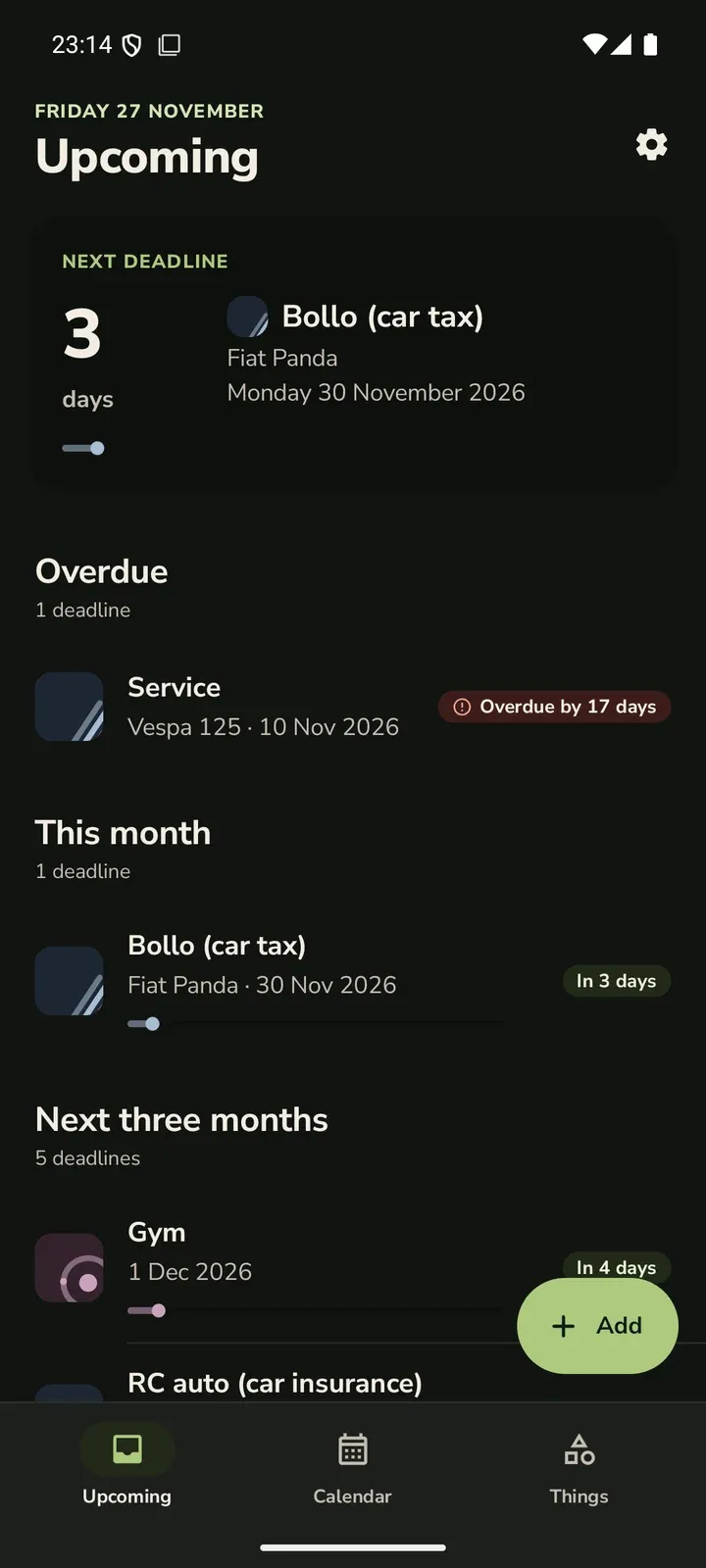
- Light and dark theme, English and Italian
Screenshots
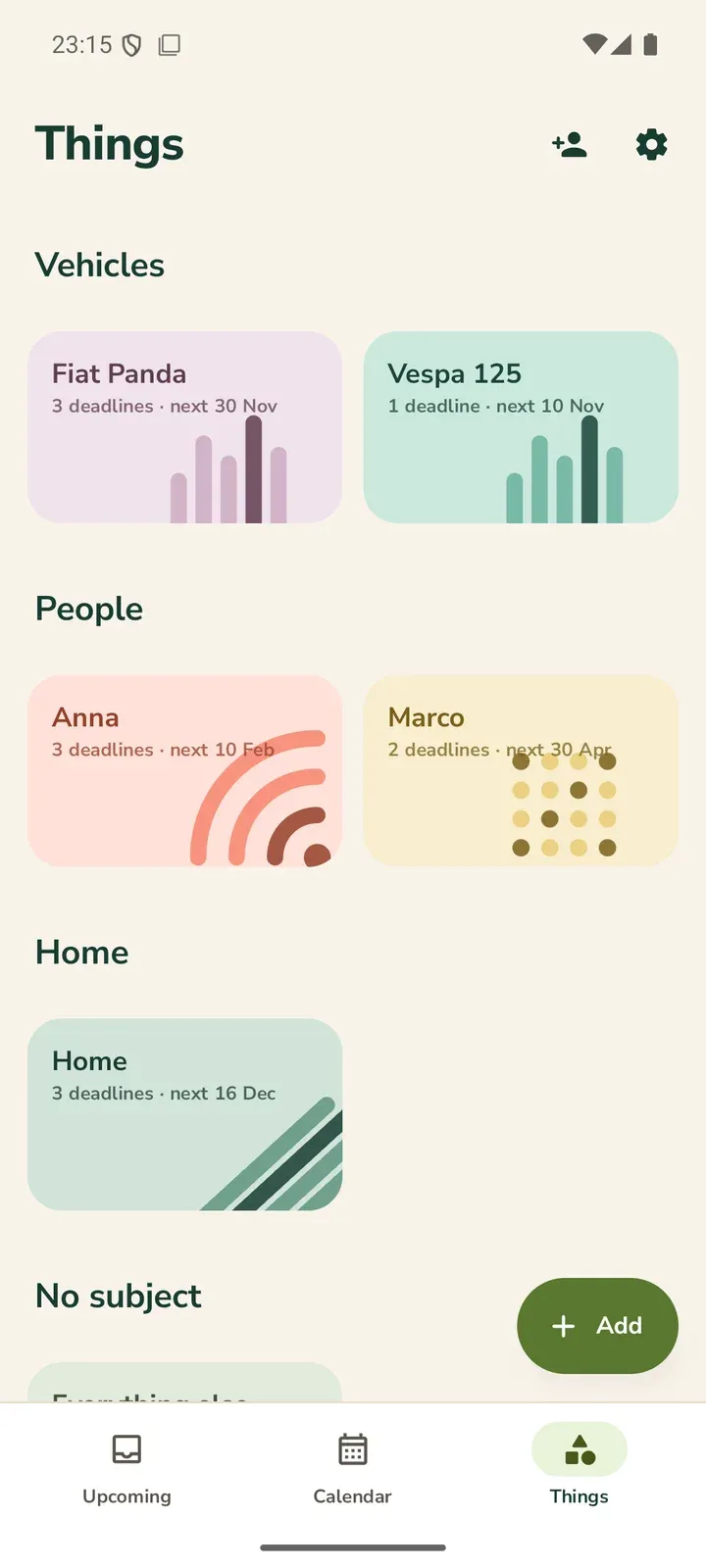
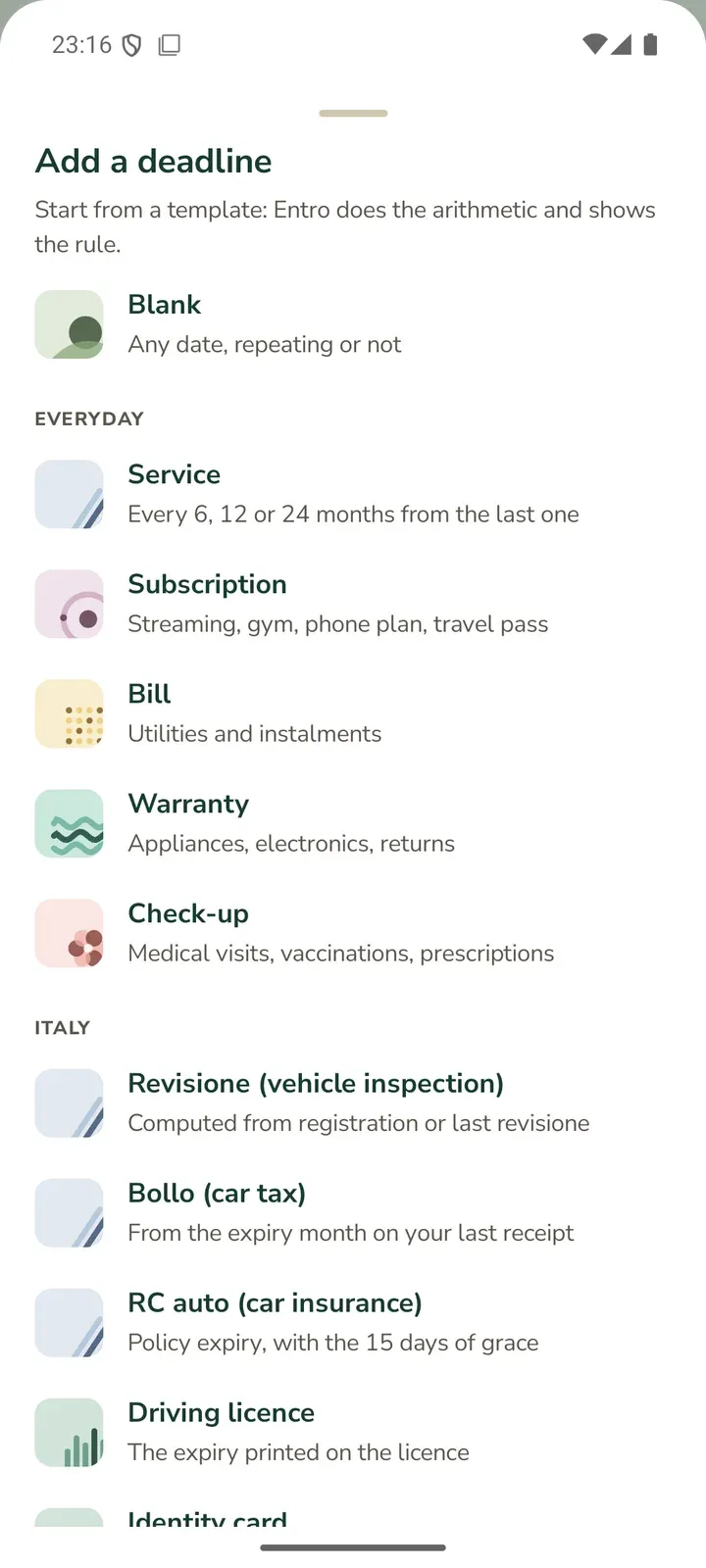
Install on your phone
Our apps are free and distributed only from this site, as signed APKs: you install them directly from here.
- Download the APK on your Android phone with the button on this page.
- Open the file from the download notification or from the Files app.
- If Android asks, allow your browser to install apps (Settings › Install unknown apps), then go back.
- Tap Install. To update, download the new version and install it over the old one. Your favorites and settings stay.
Every version of an app is signed with the same key, so updates install over the previous one. Android may show a generic warning for apps installed outside an app store.
Get it with the HumbleTap appYou can also install it with the HumbleTap app, which then keeps it up to date for you.Also by HumbleTap
HumbleTap
Every HumbleTap app in one place, always up to date.
Airwave
The world's radio, live and ad-free.
Edicola
The news from many sources, one story at a time.
Sereno
The weather, calmly. No ads, nothing to track.
Voci
Your podcasts, without ads or an account.
Litro
Fuel prices near you, with the date on every price.
Tessera
Reads QR codes and barcodes, and shows you where they lead.
Plico
Scan paper into clean PDFs, on your phone only.