

QR and barcode reader
Tessera
Reads QR codes and barcodes, and shows you where they lead.
 Get it with the HumbleTap appOne app for all of ours: it installs this one and keeps it up to date by itself.
About Tessera
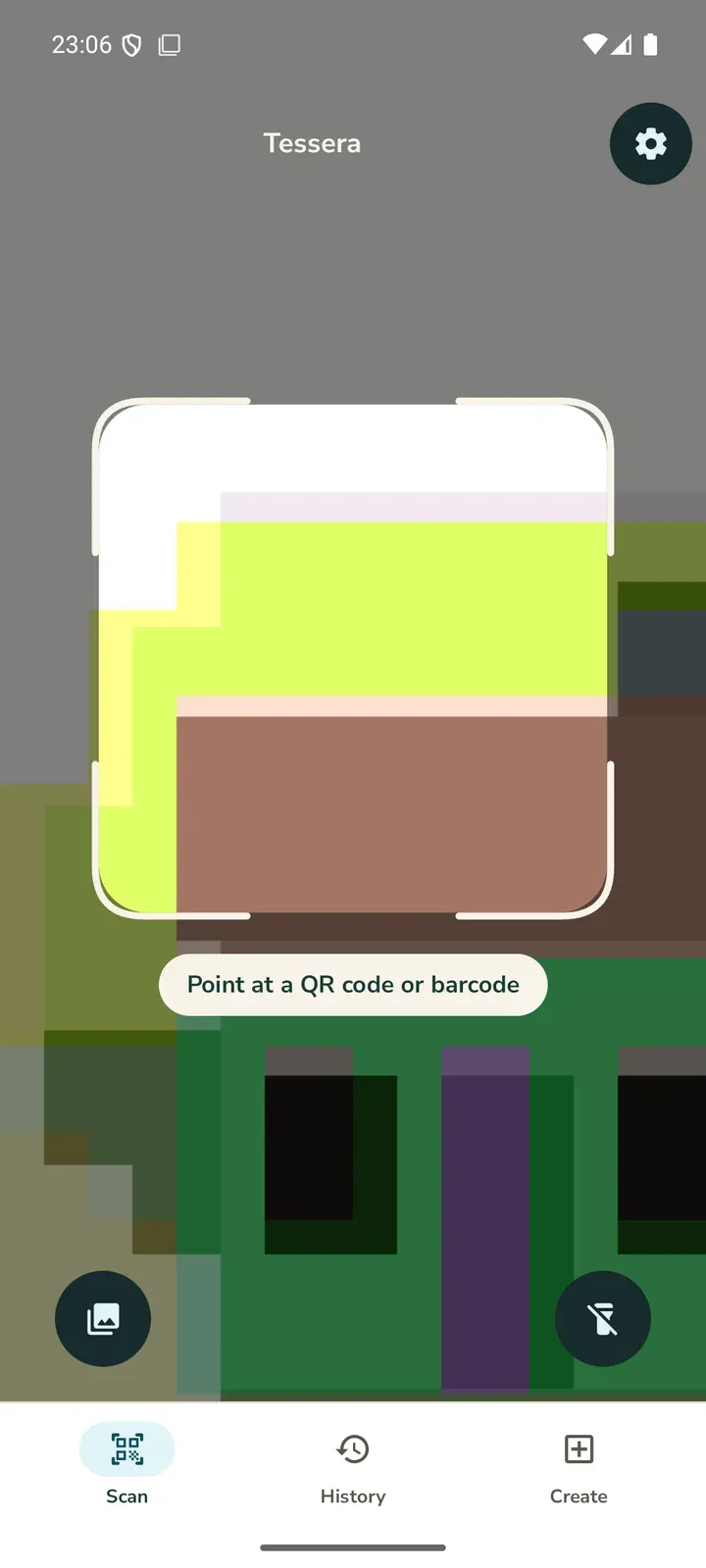
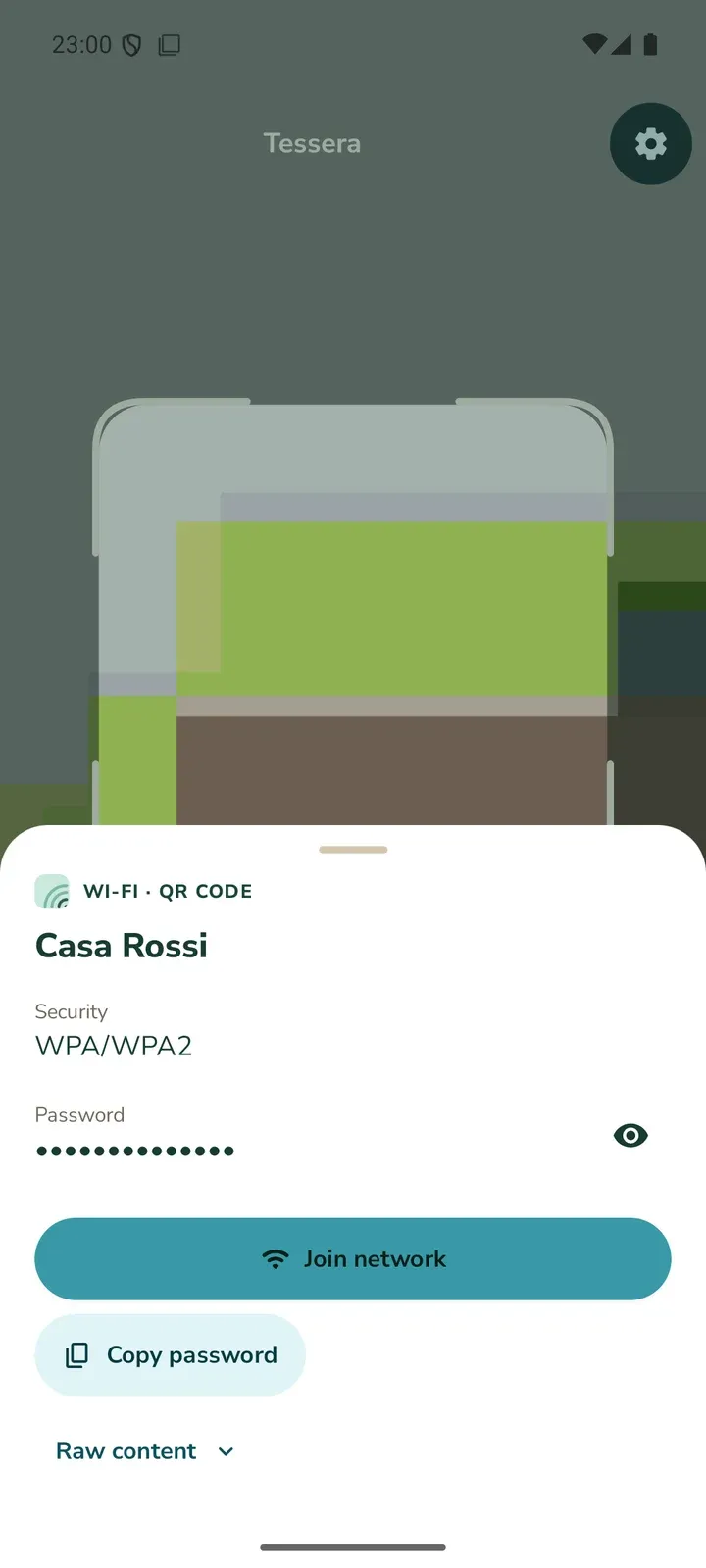
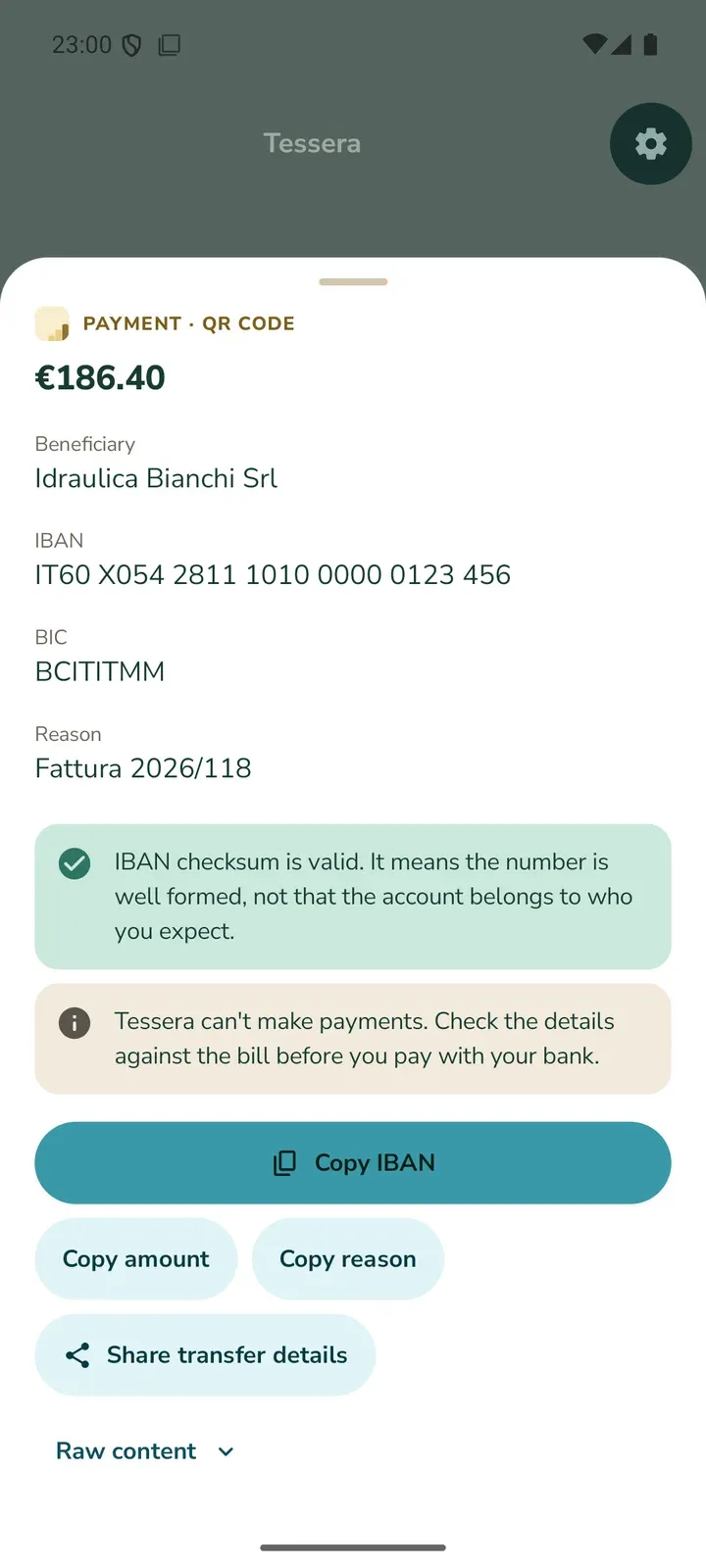
Tessera reads QR codes and barcodes with the camera, from a picture or from a screenshot you share with it. It understands what a code contains, a link, a Wi-Fi network, a contact, an event, a payment notice or a product code, and shows it as a clear card with one obvious action.
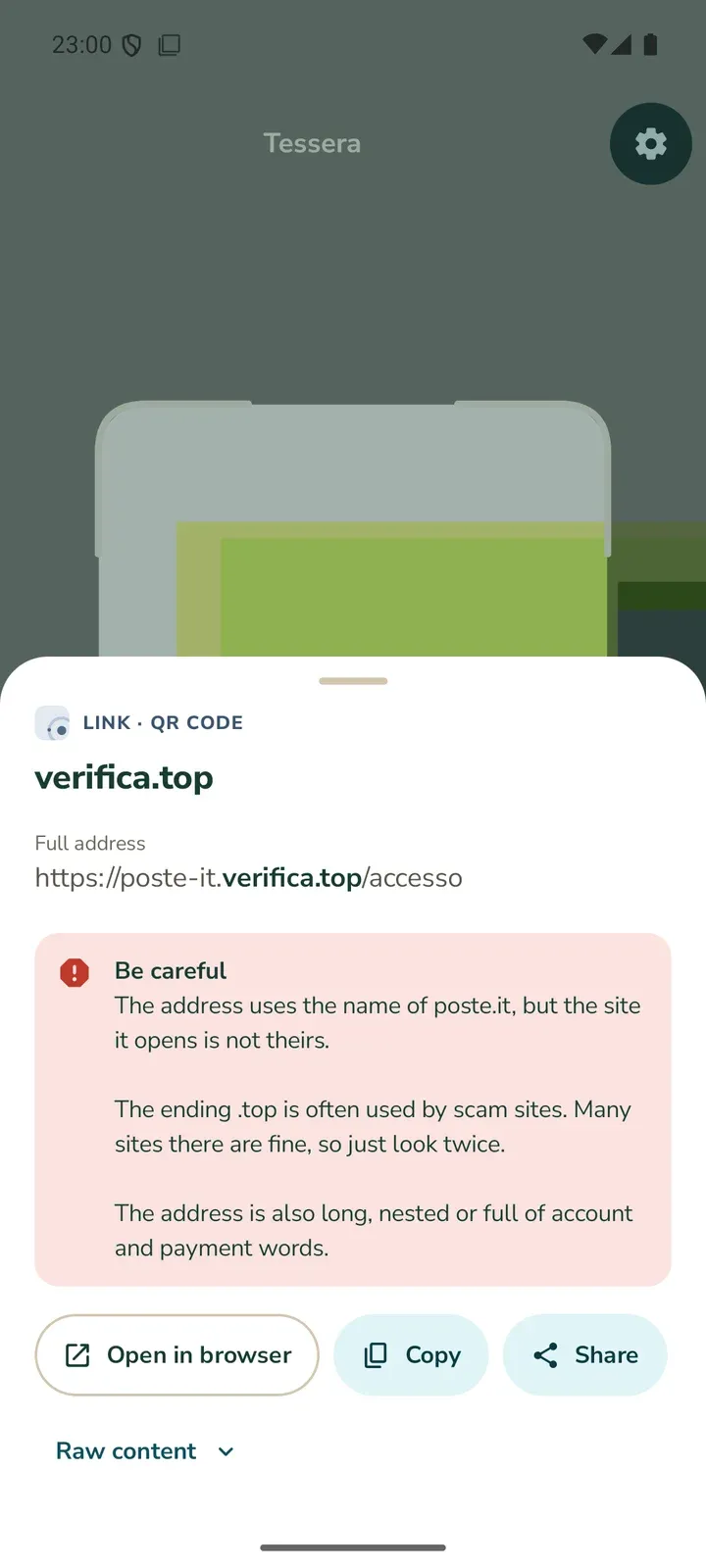
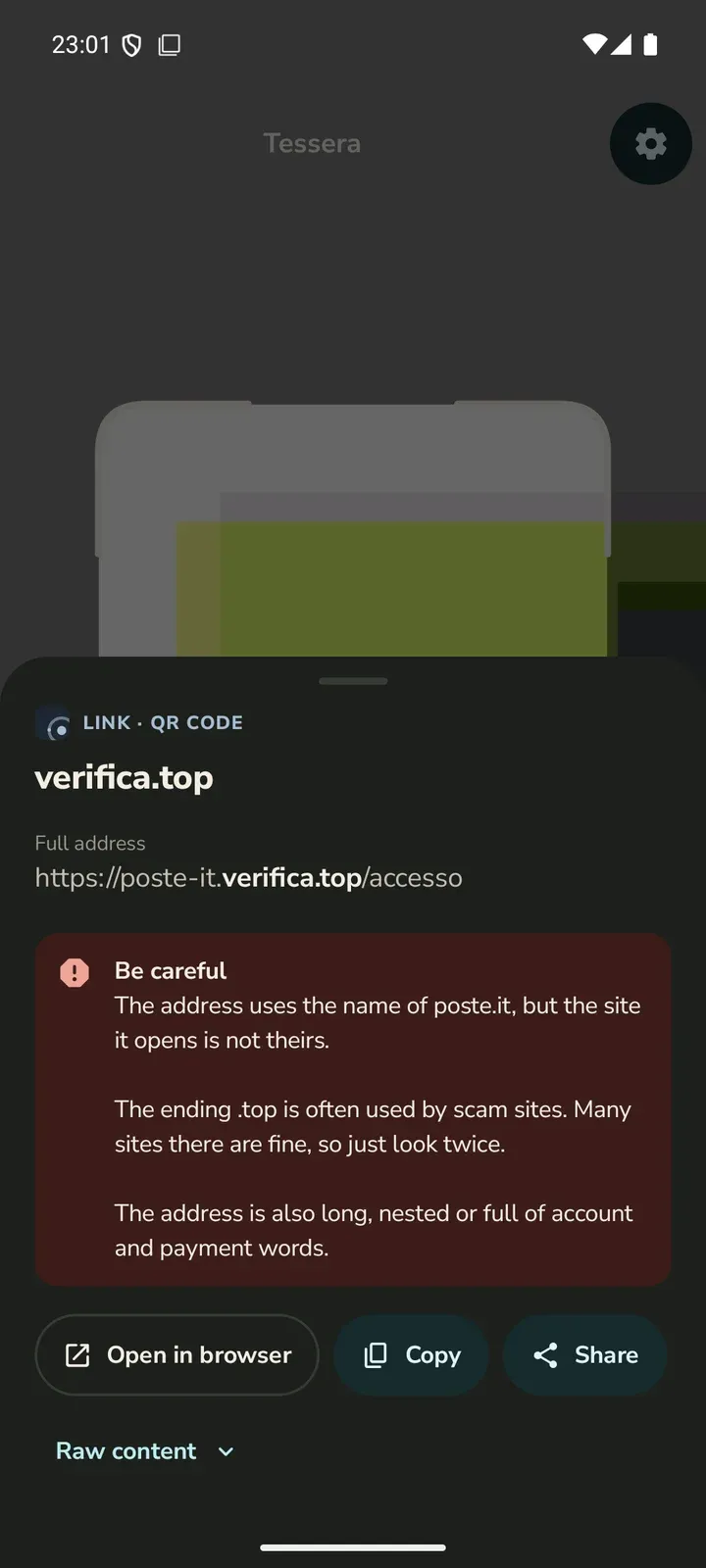
Before a link opens, Tessera shows the site it really leads to and points out what looks wrong, such as look-alike letters, a known name in the wrong place or a short link that hides its destination. It never calls a link safe, and it never opens anything by itself.
The app has no internet permission, so nothing you scan can leave your phone through it. You can check it in Android's app info. The history stays on the phone and stays out of cloud backups.
What it does
What it does
Scan anything
- QR, Micro QR, Data Matrix, Aztec, PDF417 and the common barcodes (EAN, UPC, Code 128, Code 39, ITF, DataBar)
- From the camera, from a picture, or from a screenshot shared from a chat
- Torch, pinch to zoom, tap to focus; when there are several codes in view, you choose
- A Quick Settings tile and launcher shortcuts to start scanning straight away
Links you can read
- The real site in large type, the full address underneath
- Look-alike letters, known names in the wrong place, decoy addresses, bare numbers and unusual ports
- Short links flagged, without opening them to find out where they go
- The verdict never says "safe", and every link needs your tap to open
Payments, read properly
- pagoPA notices: amount, notice code and creditor, ready to copy into your bank's app or IO
- SEPA transfer codes (EPC) and Swiss QR-bills, with the IBAN checked on the phone
- Tessera shows the data and never starts a payment
Everyday codes
- Join a Wi-Fi network, add a contact or an event, call, write, open a place in maps
- Product codes with lot and expiry dates from GS1 codes on medicines and parcels
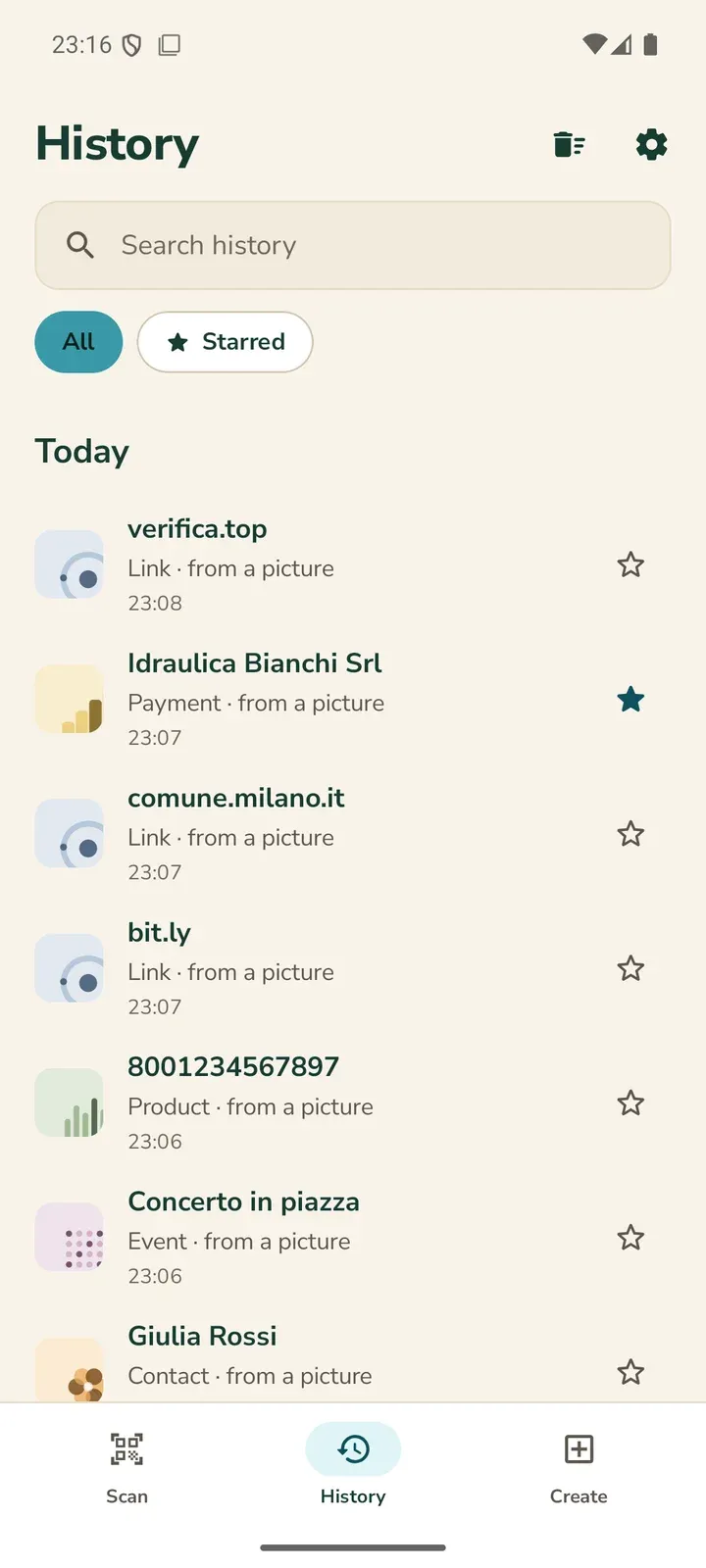
- A history on the phone, with search and stars; turn it off or let old codes go by themselves
Make your own
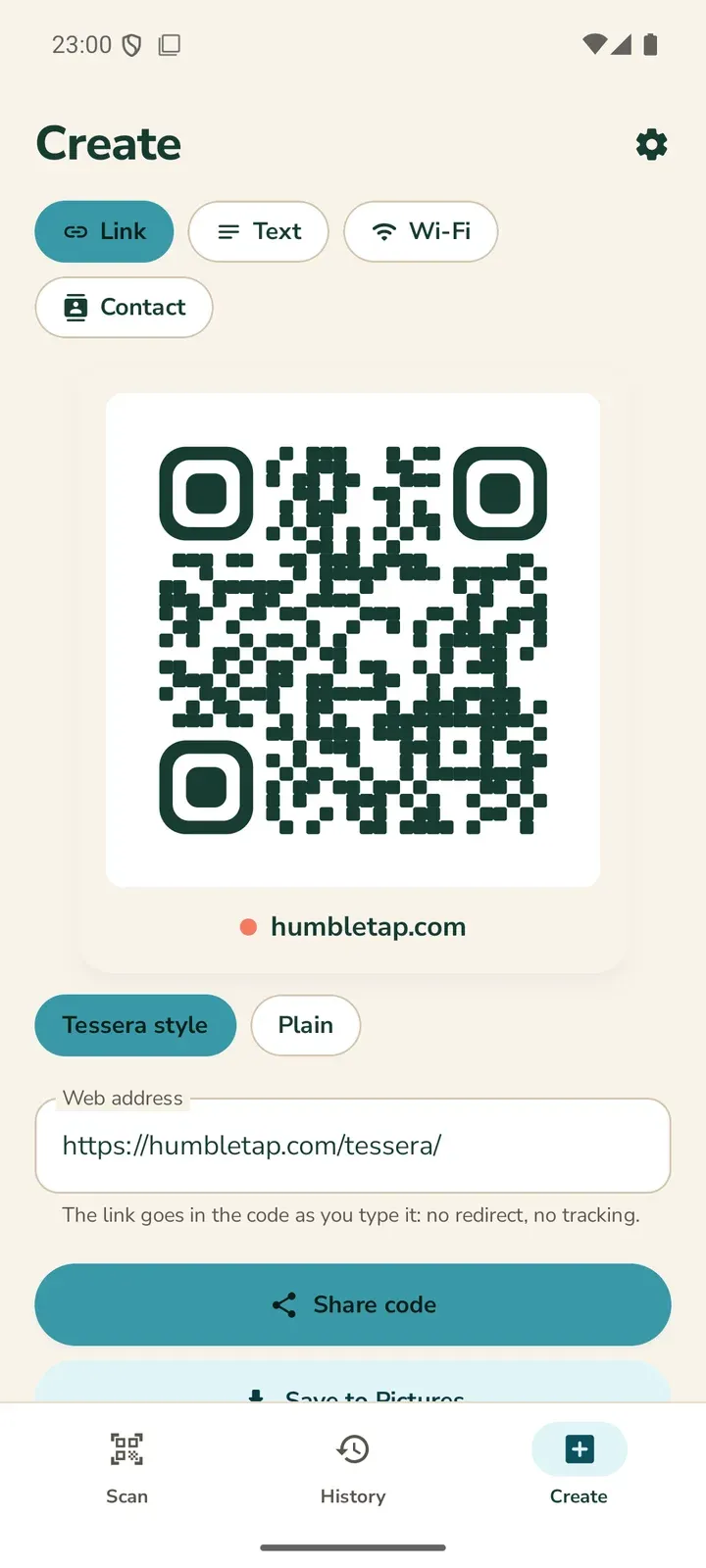
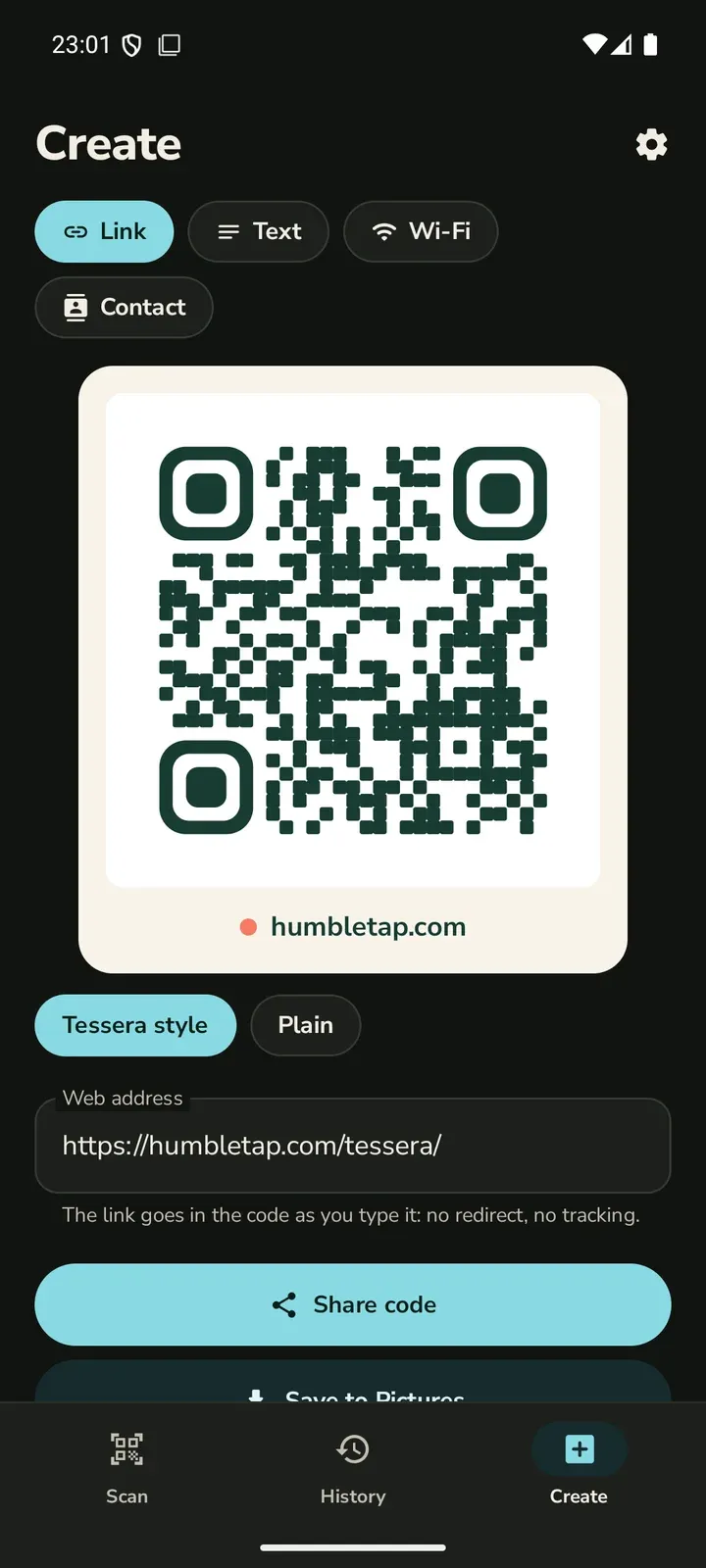
- QR codes for a link, some text, your Wi-Fi or your contact card
- In the Tessera style or plain for printing, shared or saved as an image
- No redirect, no scan counting, no watermark
Screenshots
Install on your phone
Our apps are free and distributed only from this site, as signed APKs: you install them directly from here.
- Download the APK on your Android phone with the button on this page.
- Open the file from the download notification or from the Files app.
- If Android asks, allow your browser to install apps (Settings › Install unknown apps), then go back.
- Tap Install. To update, download the new version and install it over the old one. Your favorites and settings stay.
Every version of an app is signed with the same key, so updates install over the previous one. Android may show a generic warning for apps installed outside an app store.
Get it with the HumbleTap appYou can also install it with the HumbleTap app, which then keeps it up to date for you.Also by HumbleTap
HumbleTap
Every HumbleTap app in one place, always up to date.
Airwave
The world's radio, live and ad-free.
Edicola
The news from many sources, one story at a time.
Sereno
The weather, calmly. No ads, nothing to track.
Voci
Your podcasts, without ads or an account.
Litro
Fuel prices near you, with the date on every price.
Entro
Every deadline, in good time.
Plico
Scan paper into clean PDFs, on your phone only.